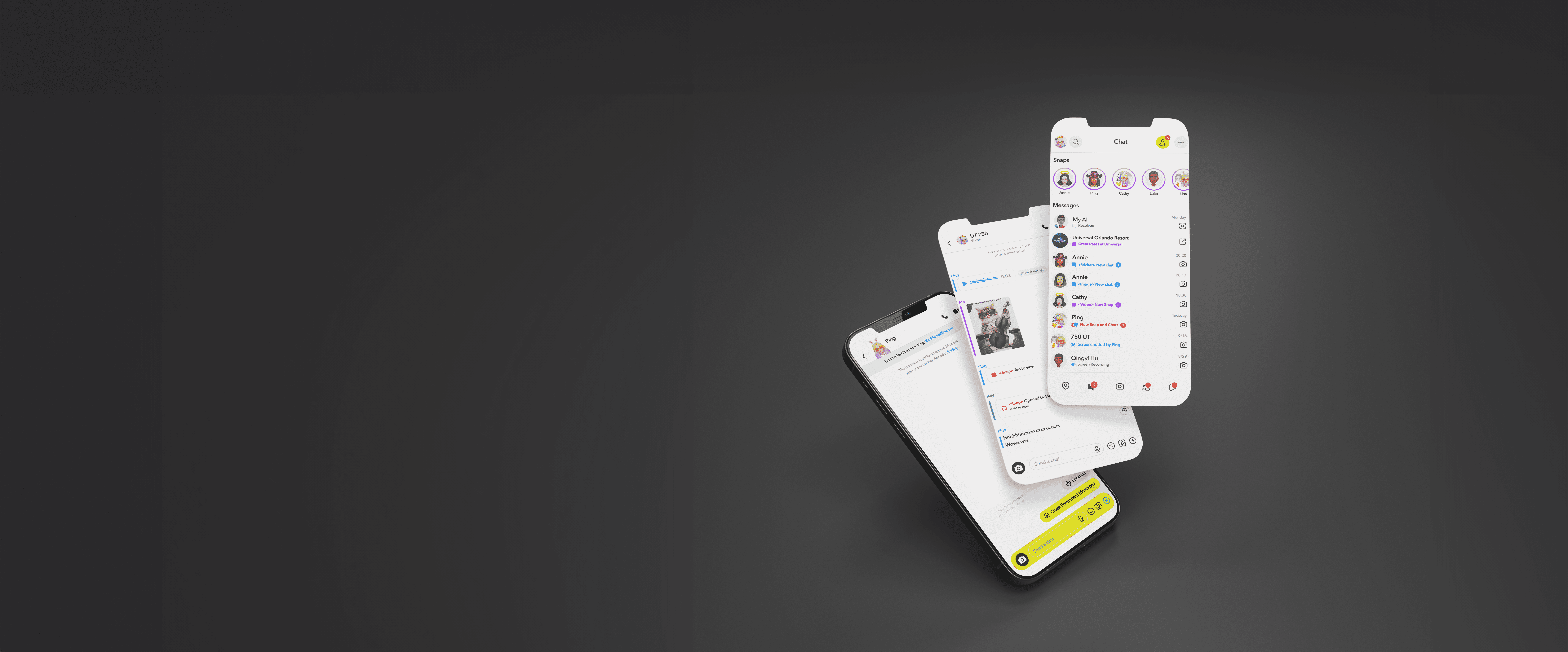

who is user?
Young People (Age 18 - 24)
Behavioral Traits
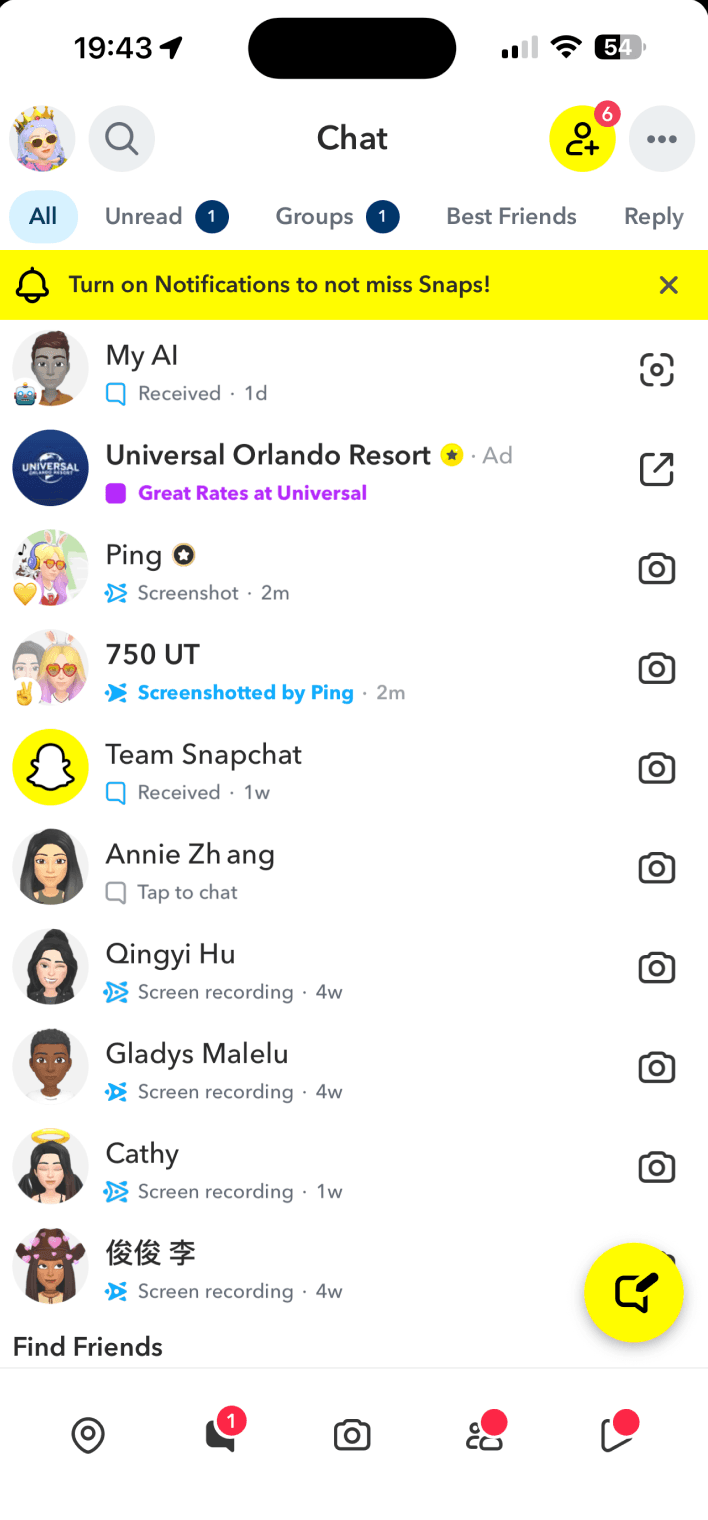
Sharing real, everyday moments — quick photos, videos, and fun snippets of life.
Staying socially present and feeling seen by friends anytime.




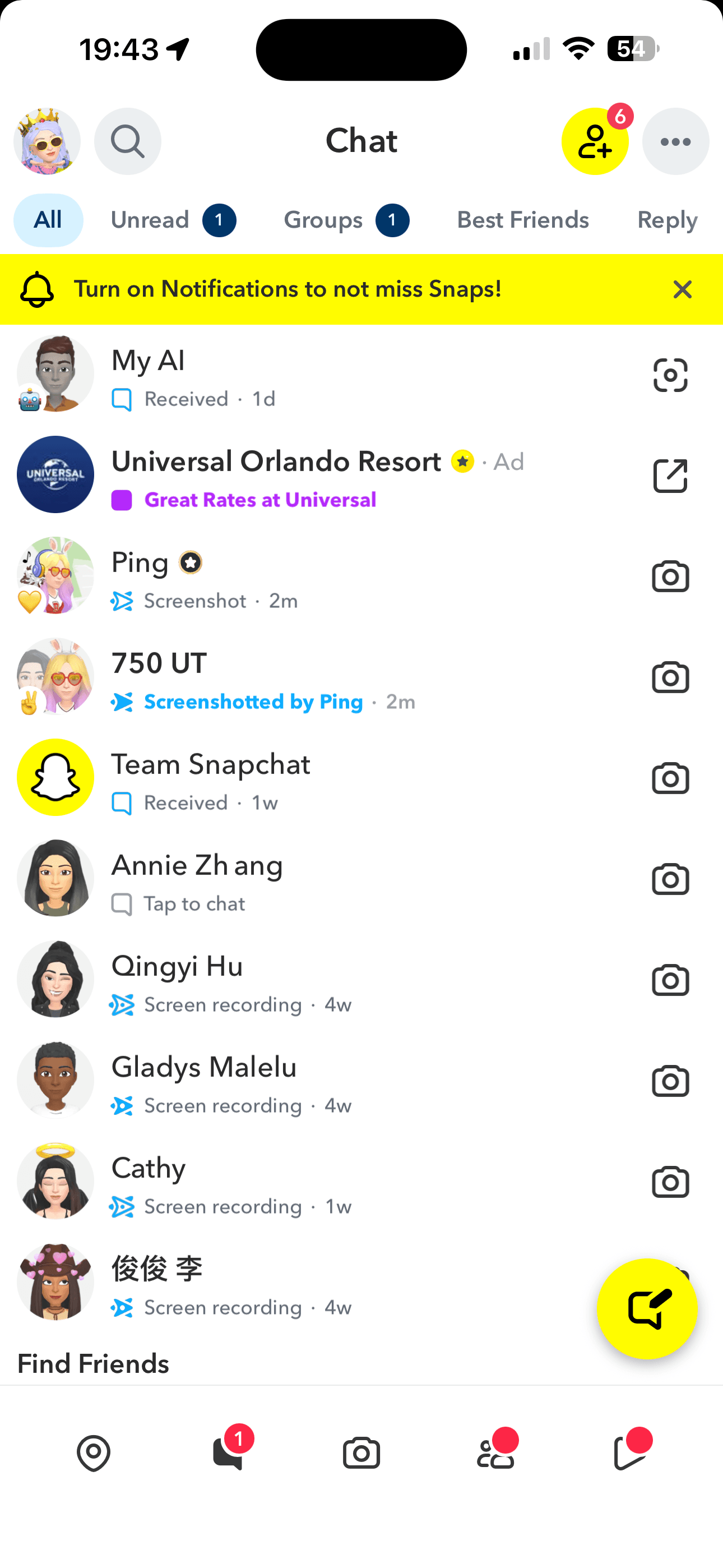
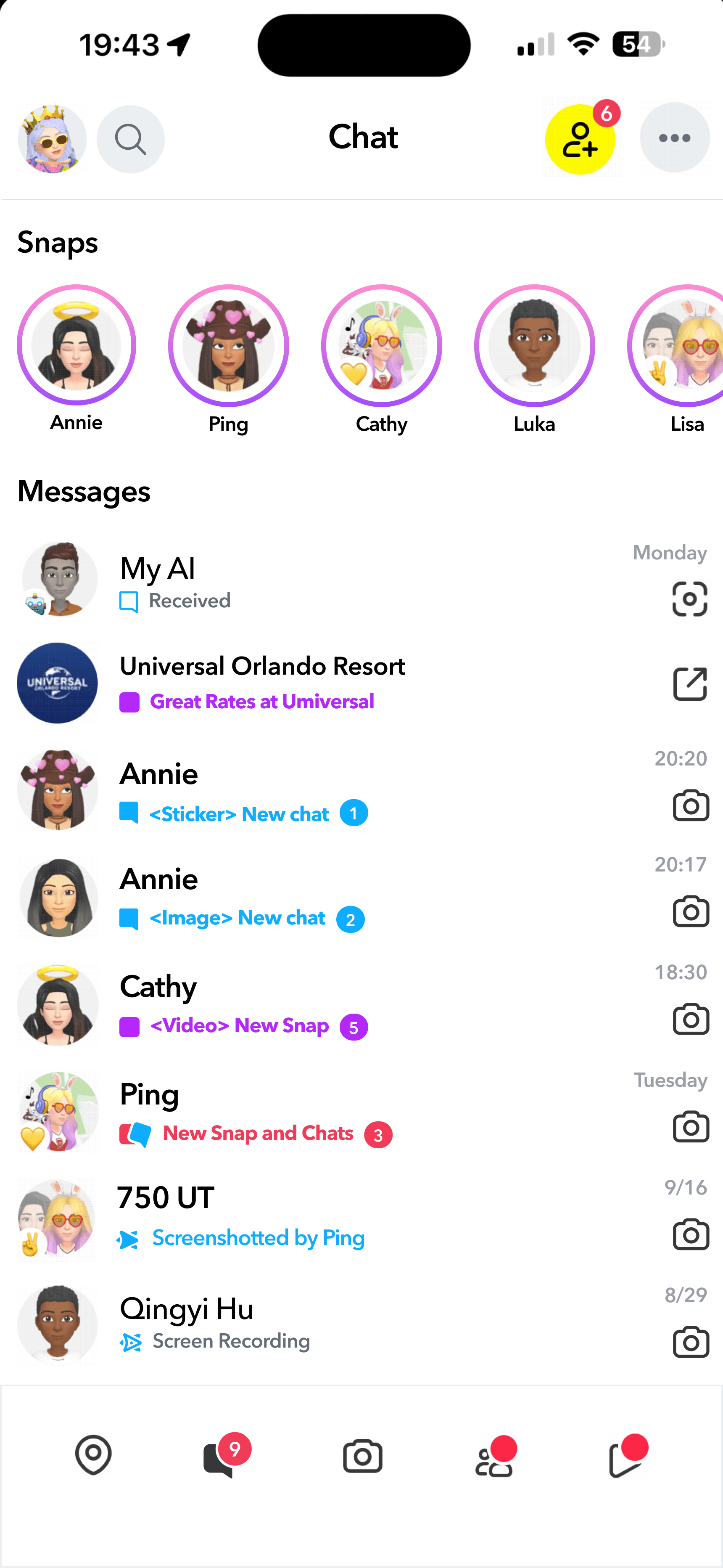
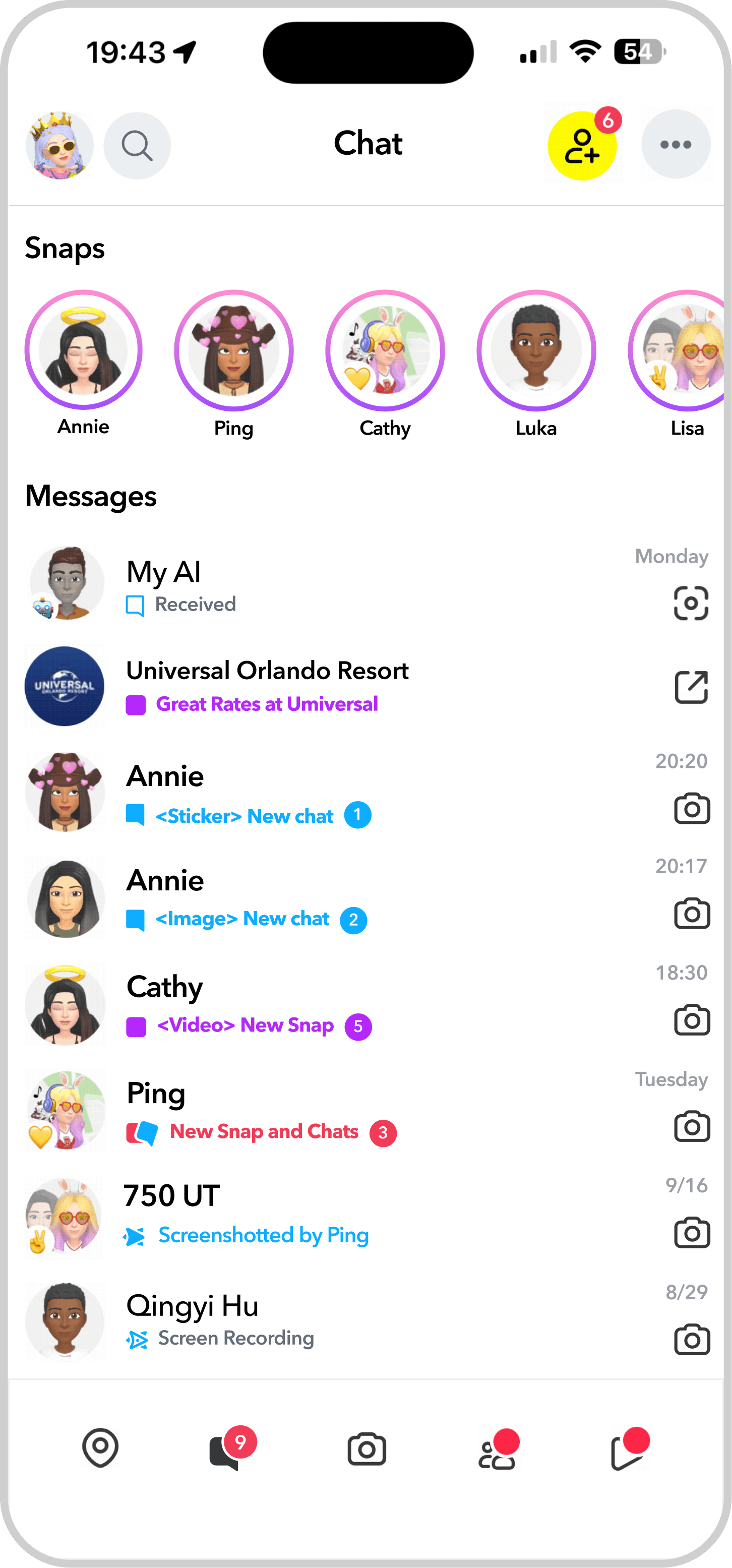
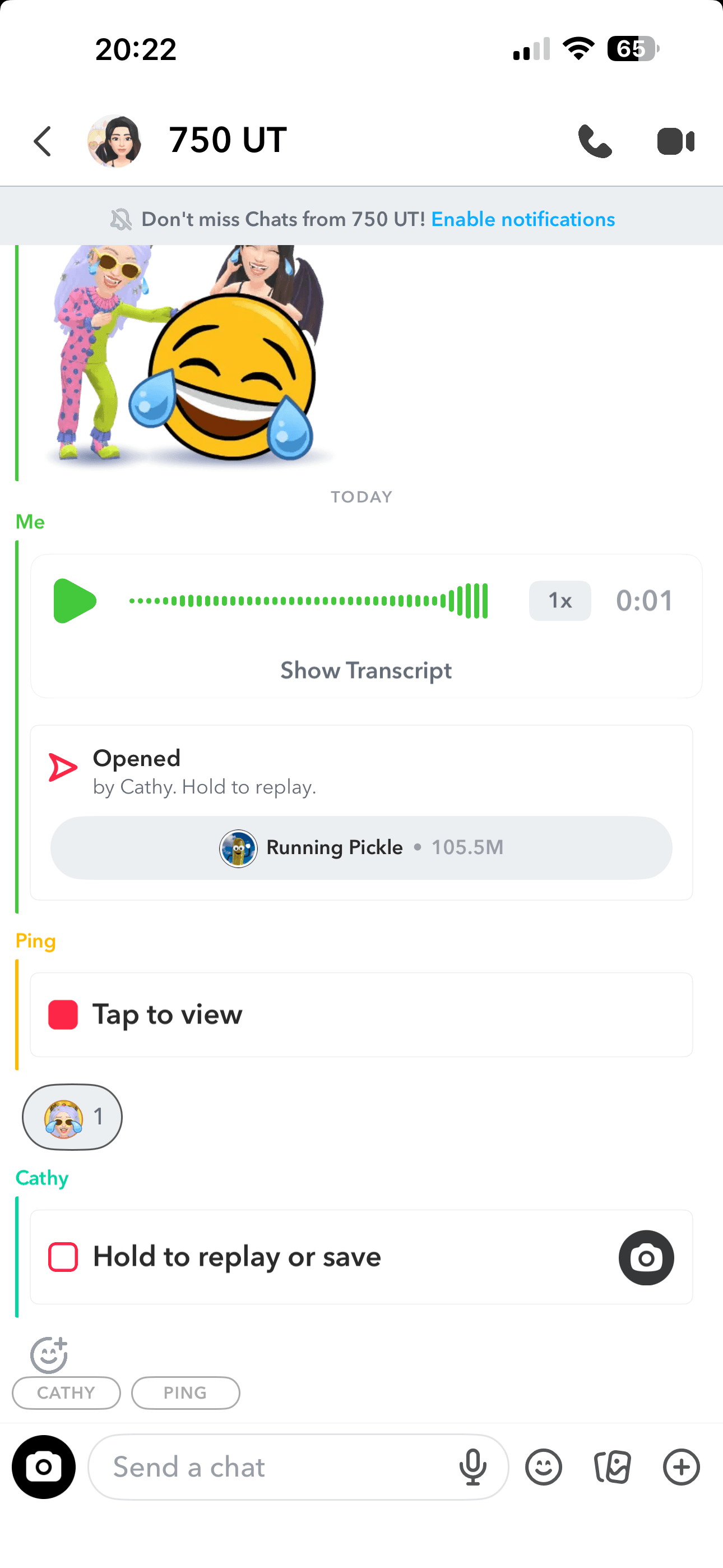
redesign 1:
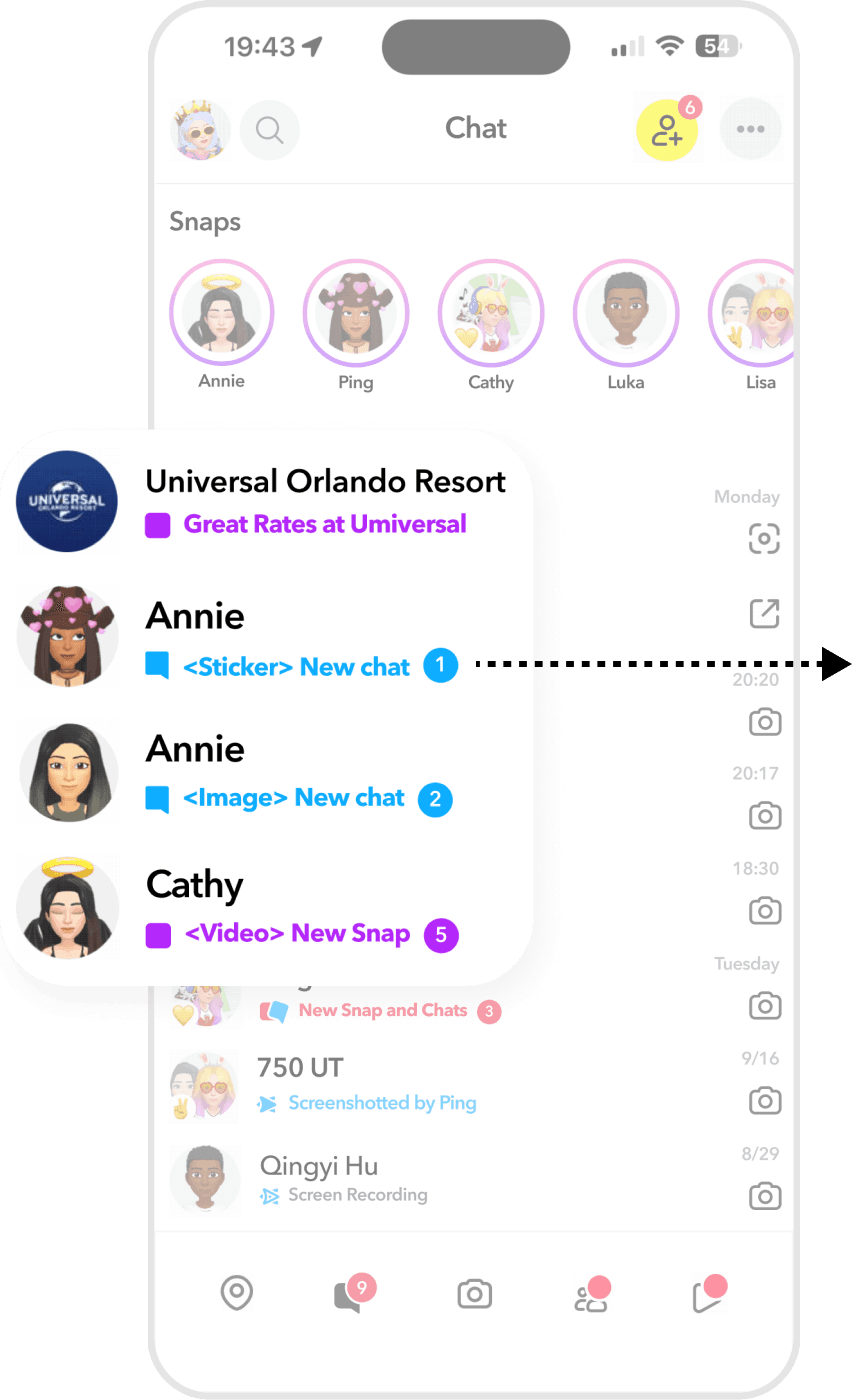
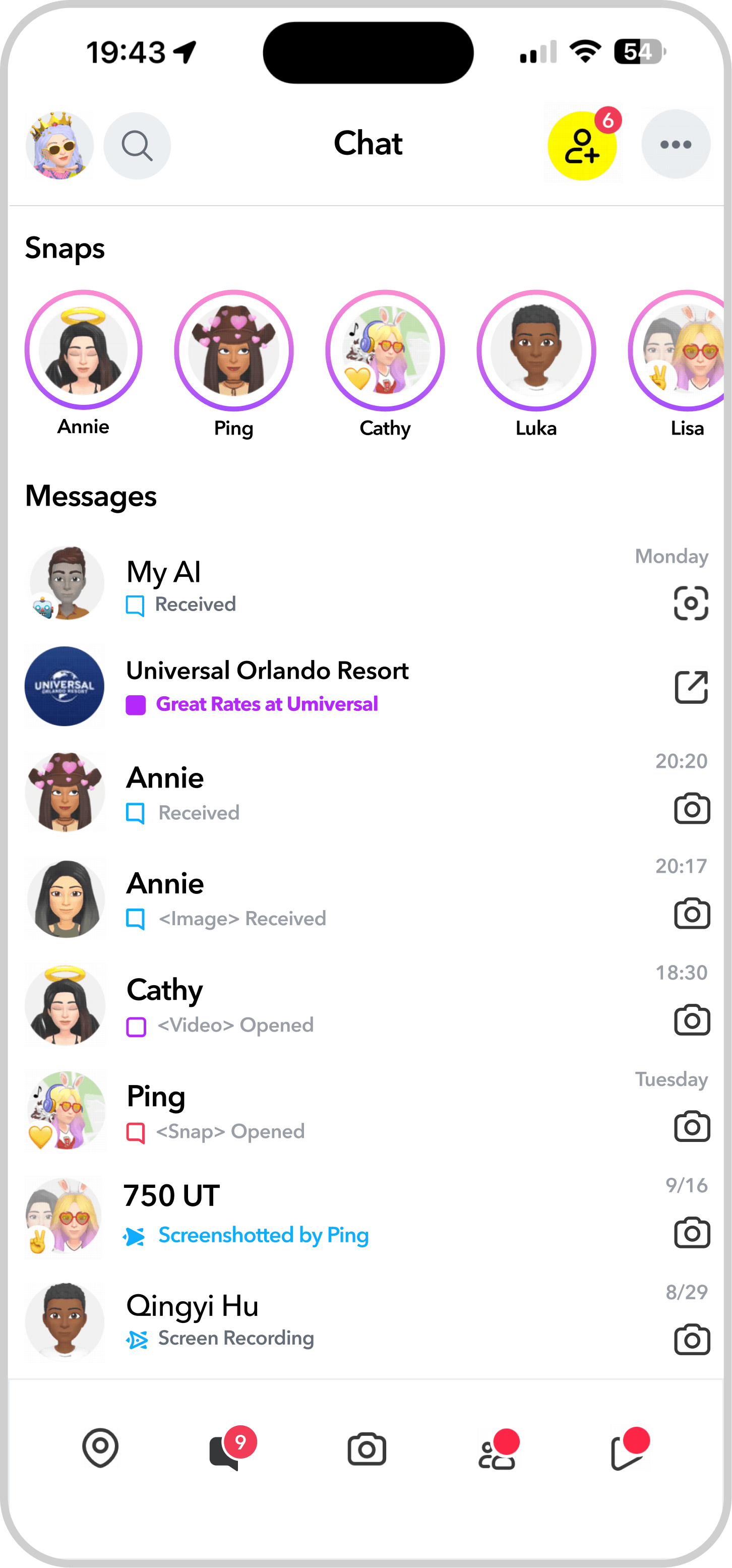
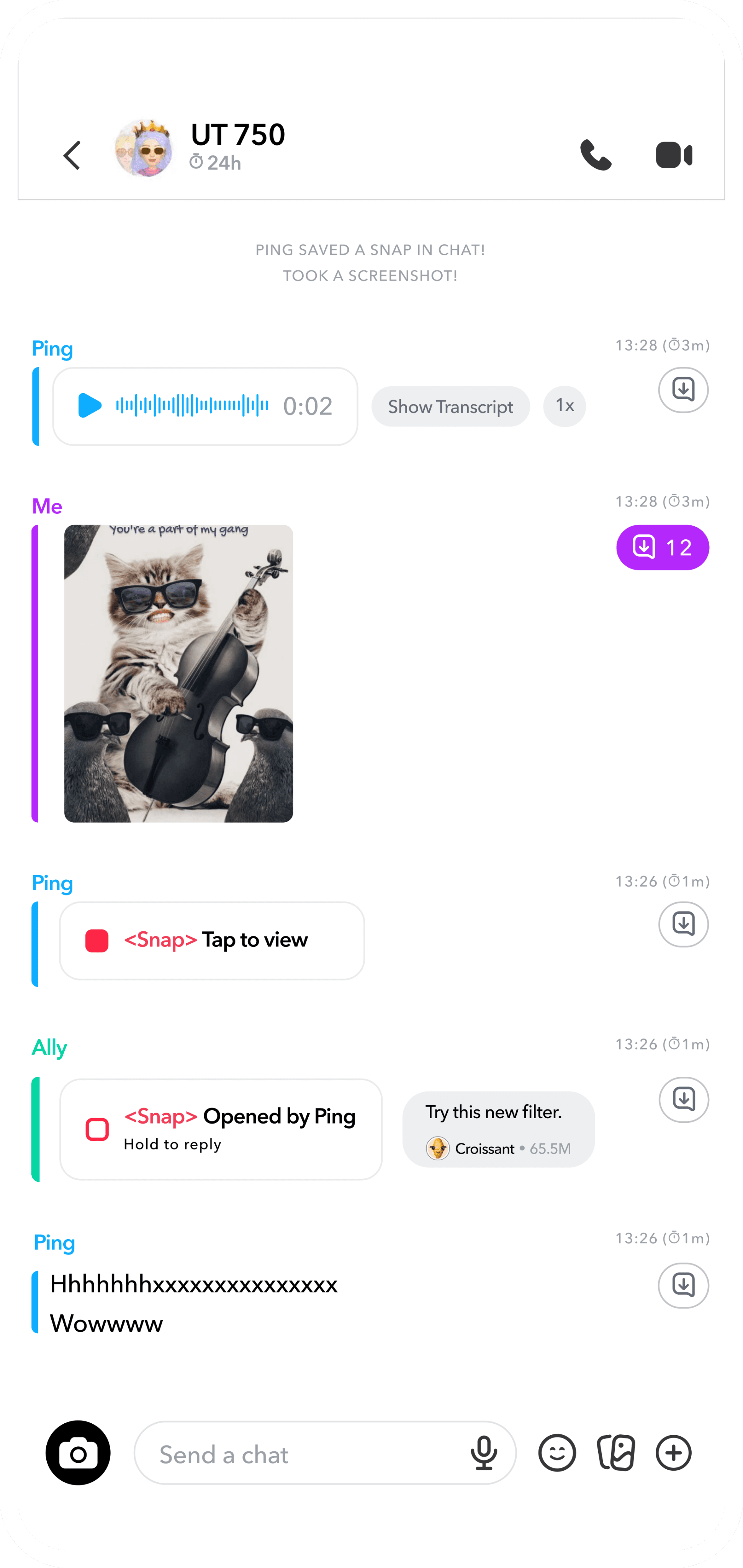
Added a Snap Message Preview
Users can quickly view all Snaps without relying on complex gestures.
Refined Timestamp System
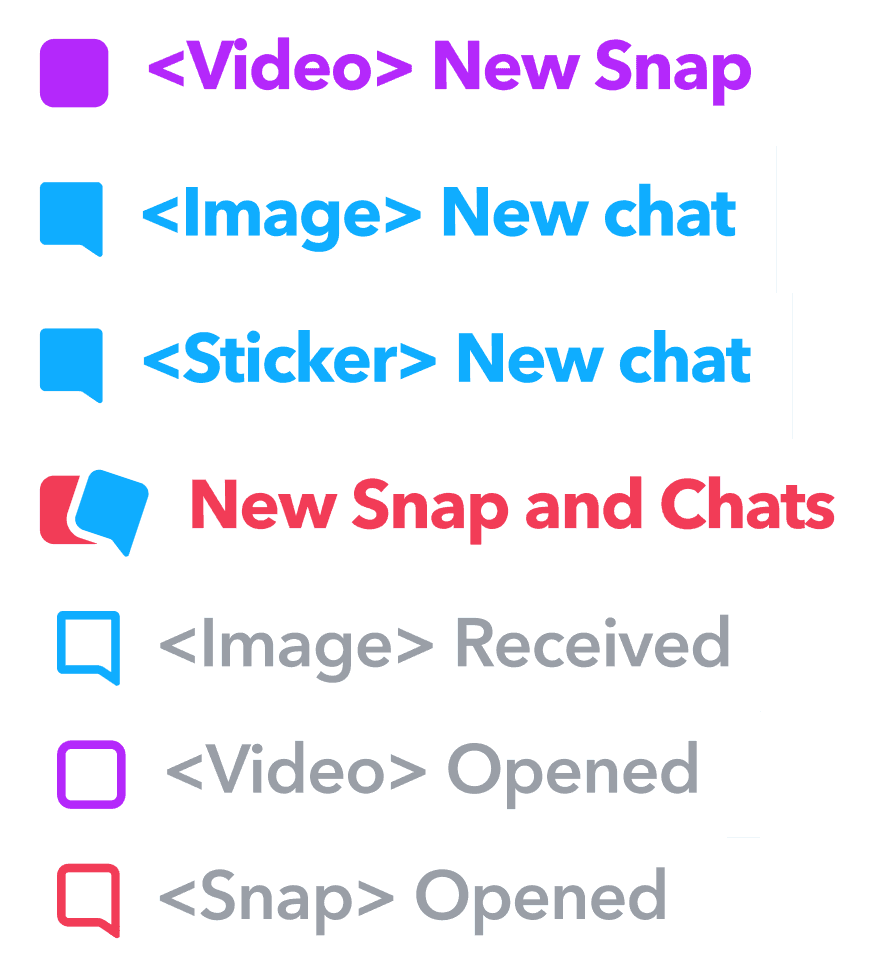
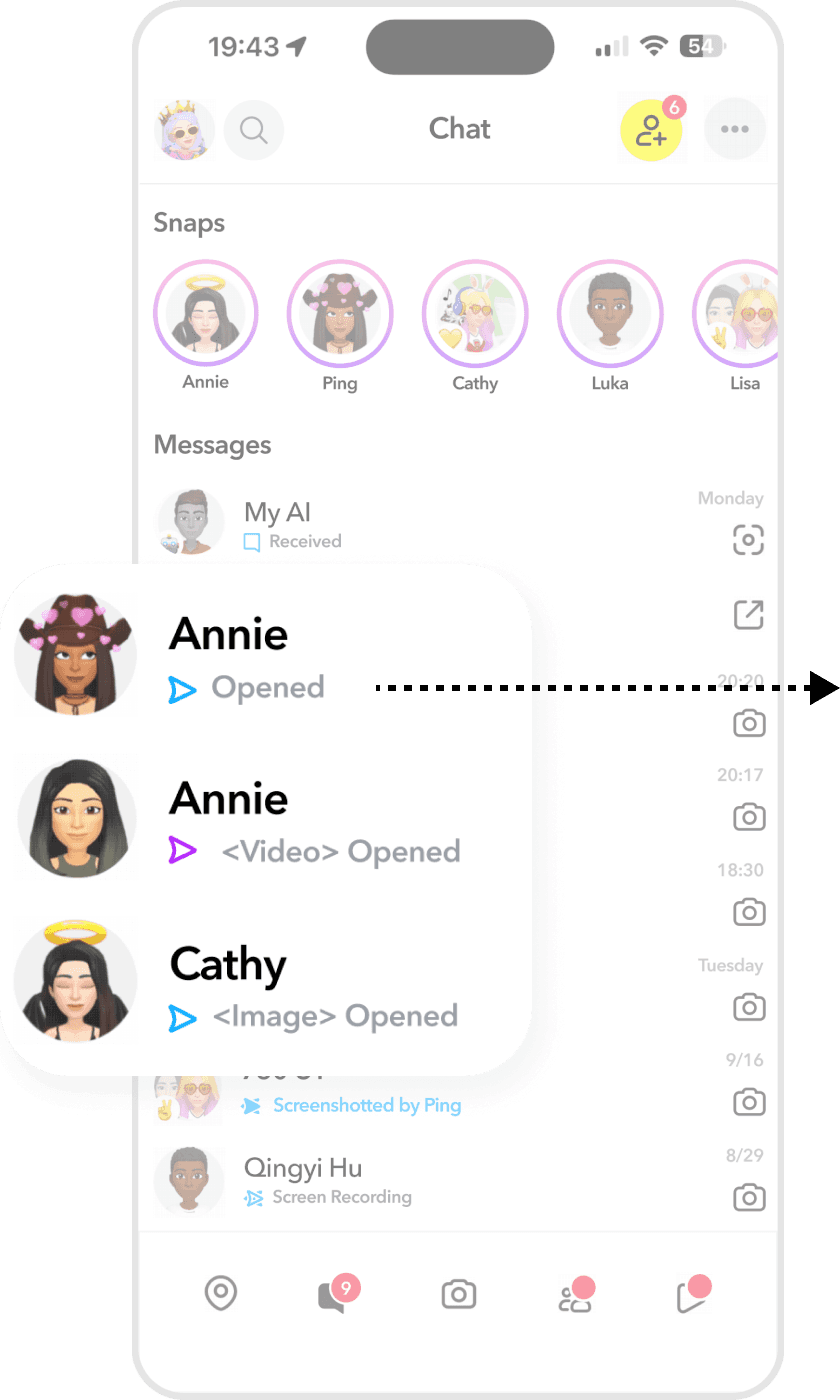
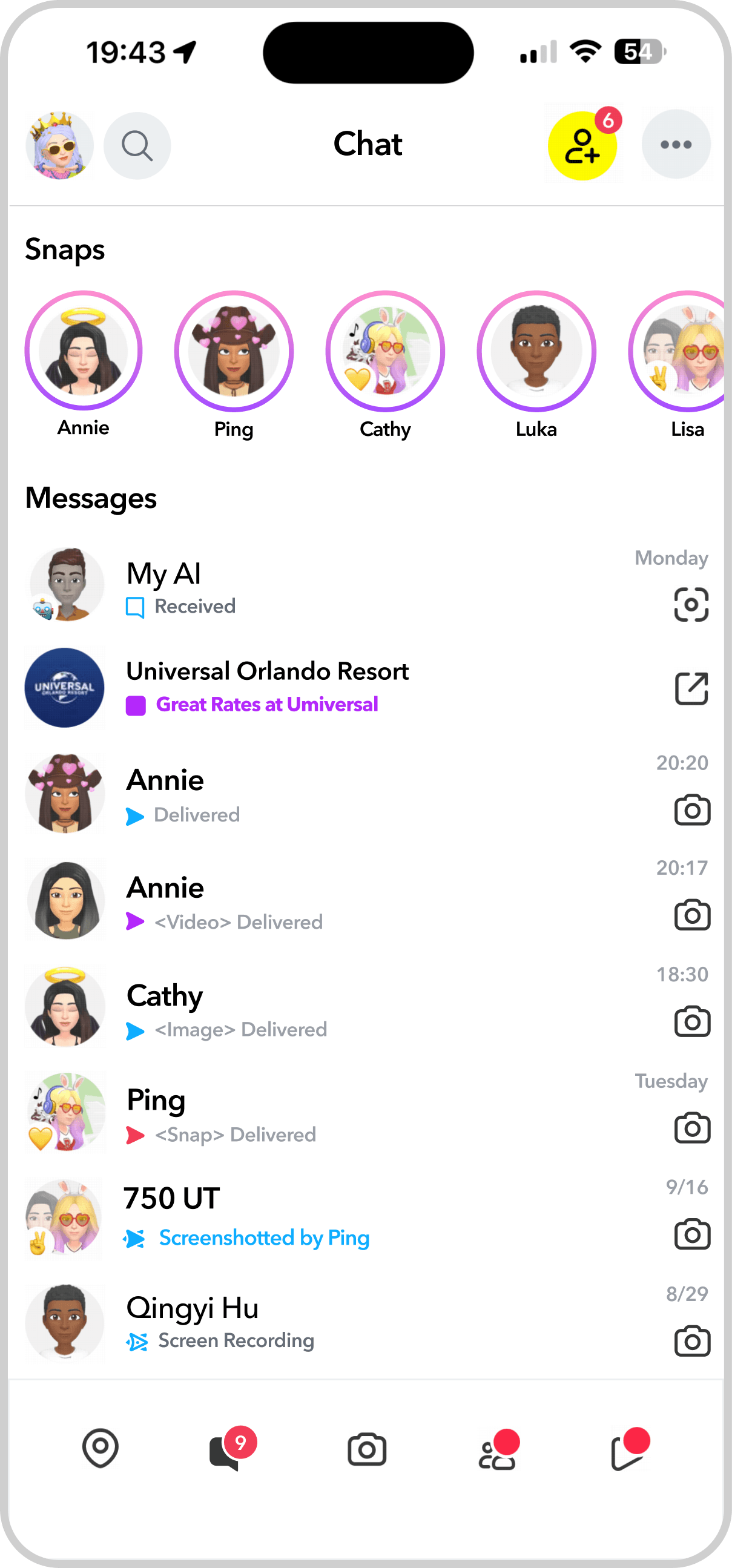
Improved Message Indicators and Visual Clarity
Added unread message counts and explicit media labels (e.g., “Sticker,” “Snap,” “Chat”)

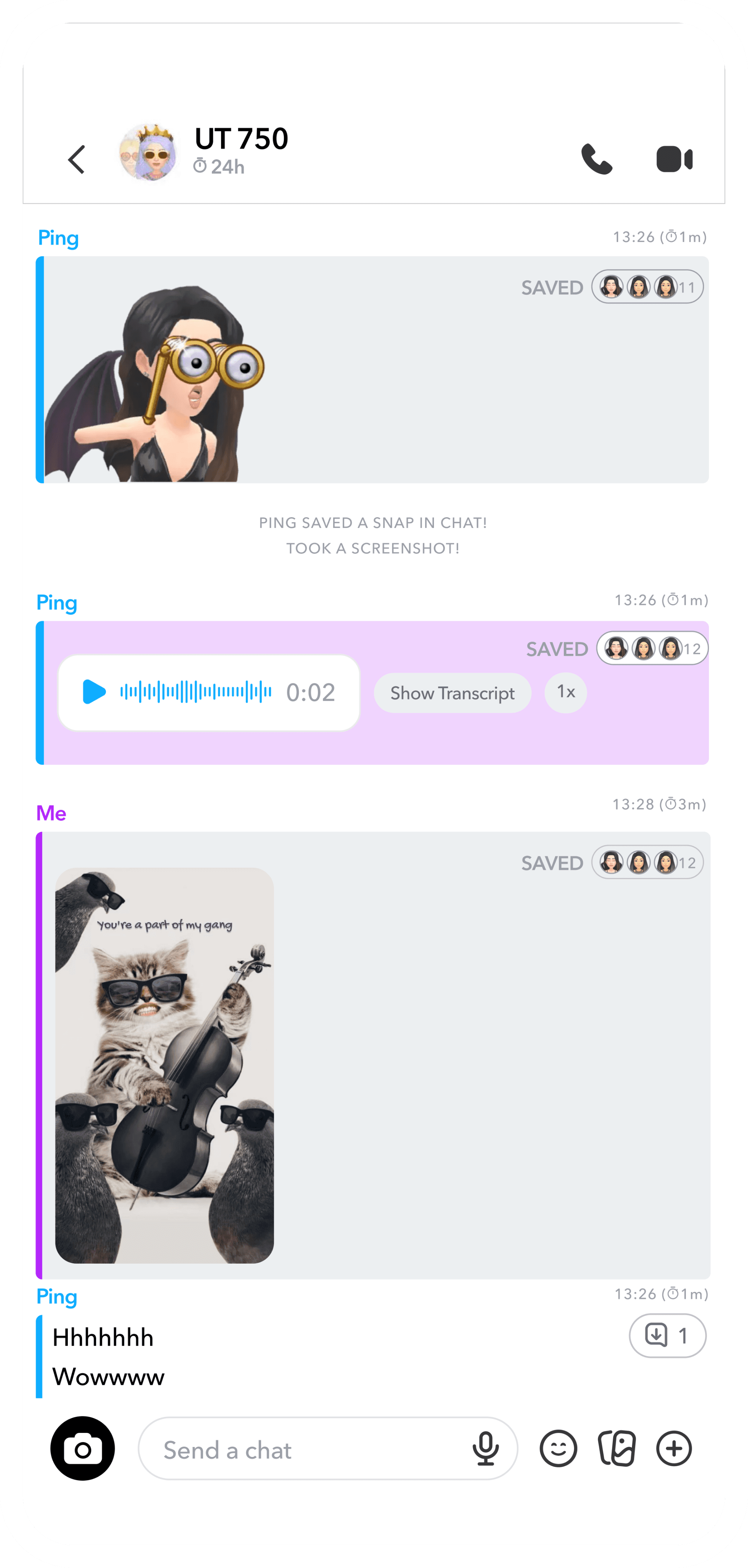
redesign 2:
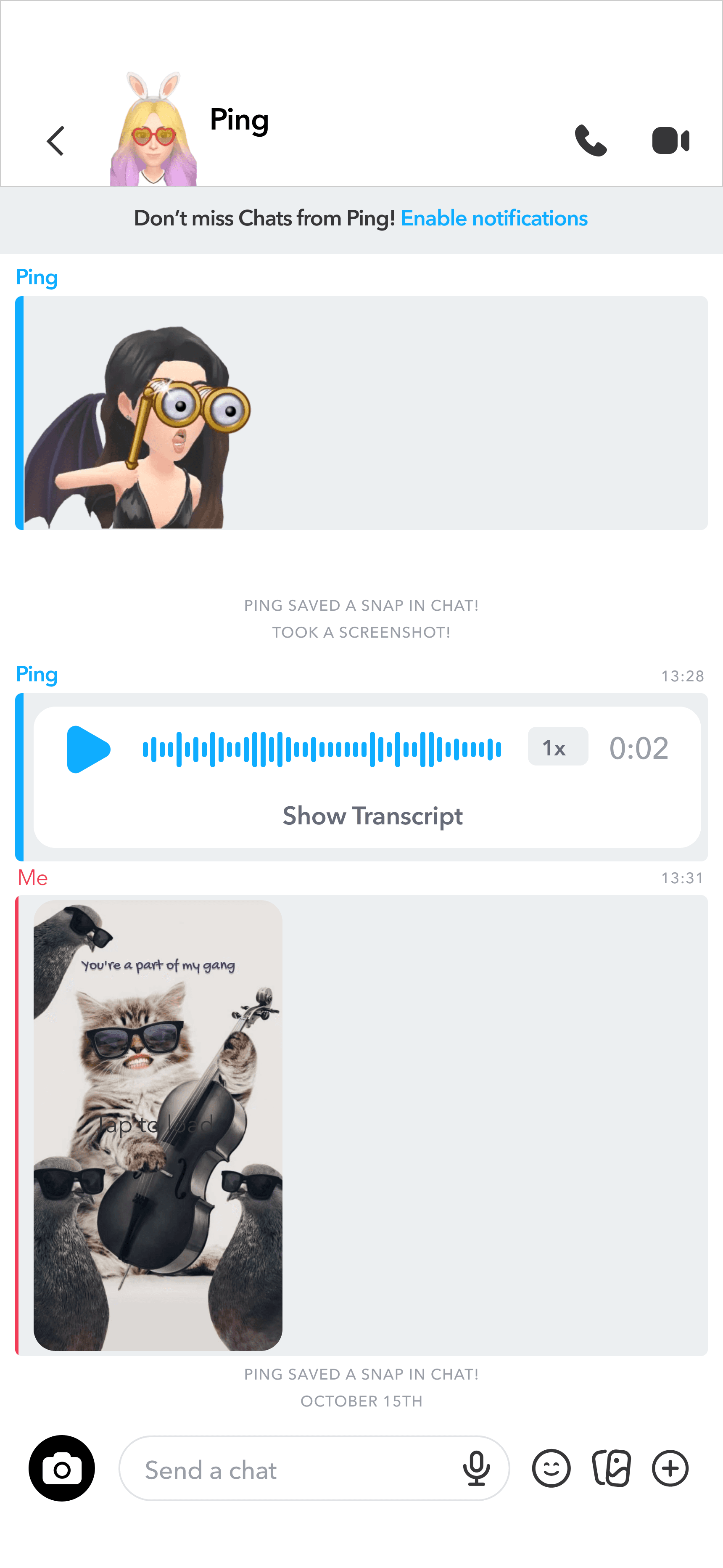
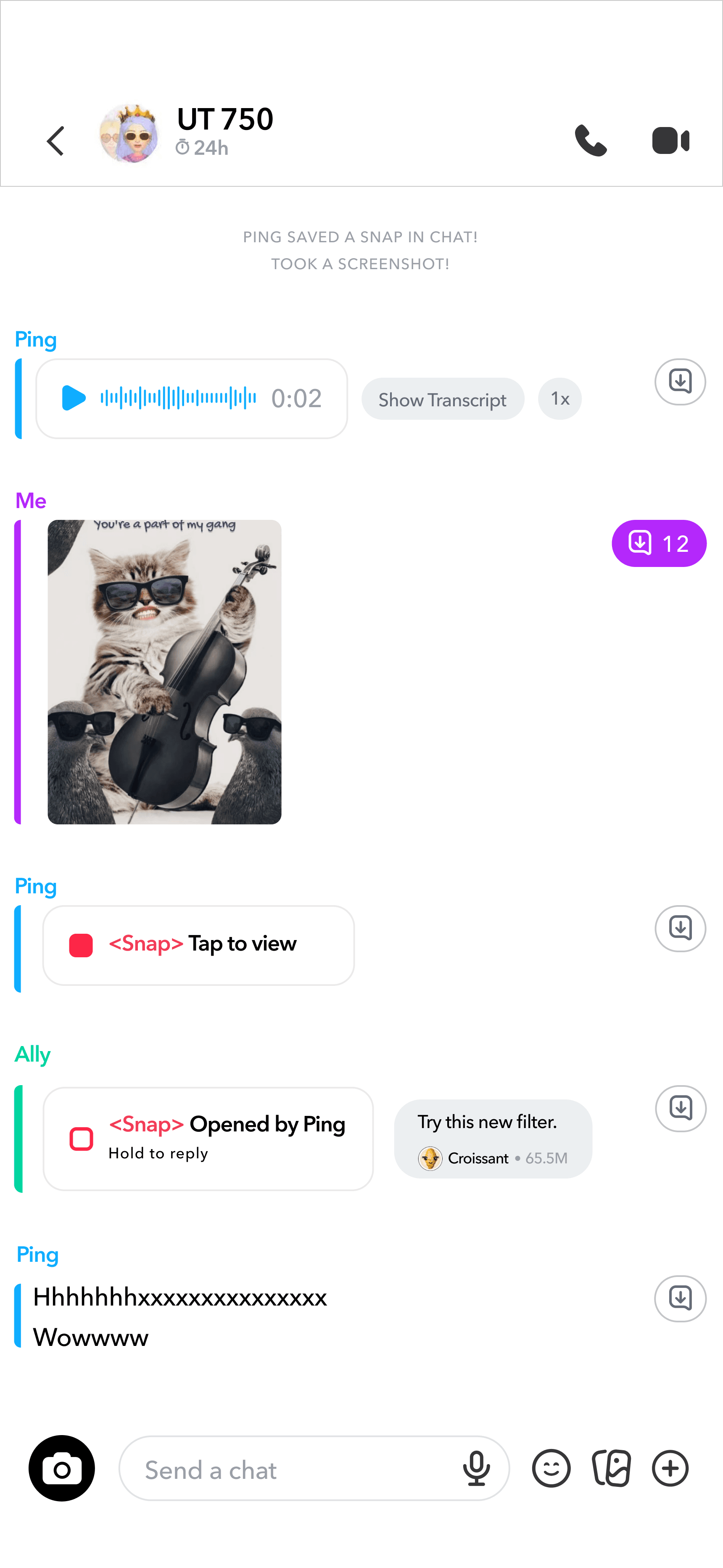
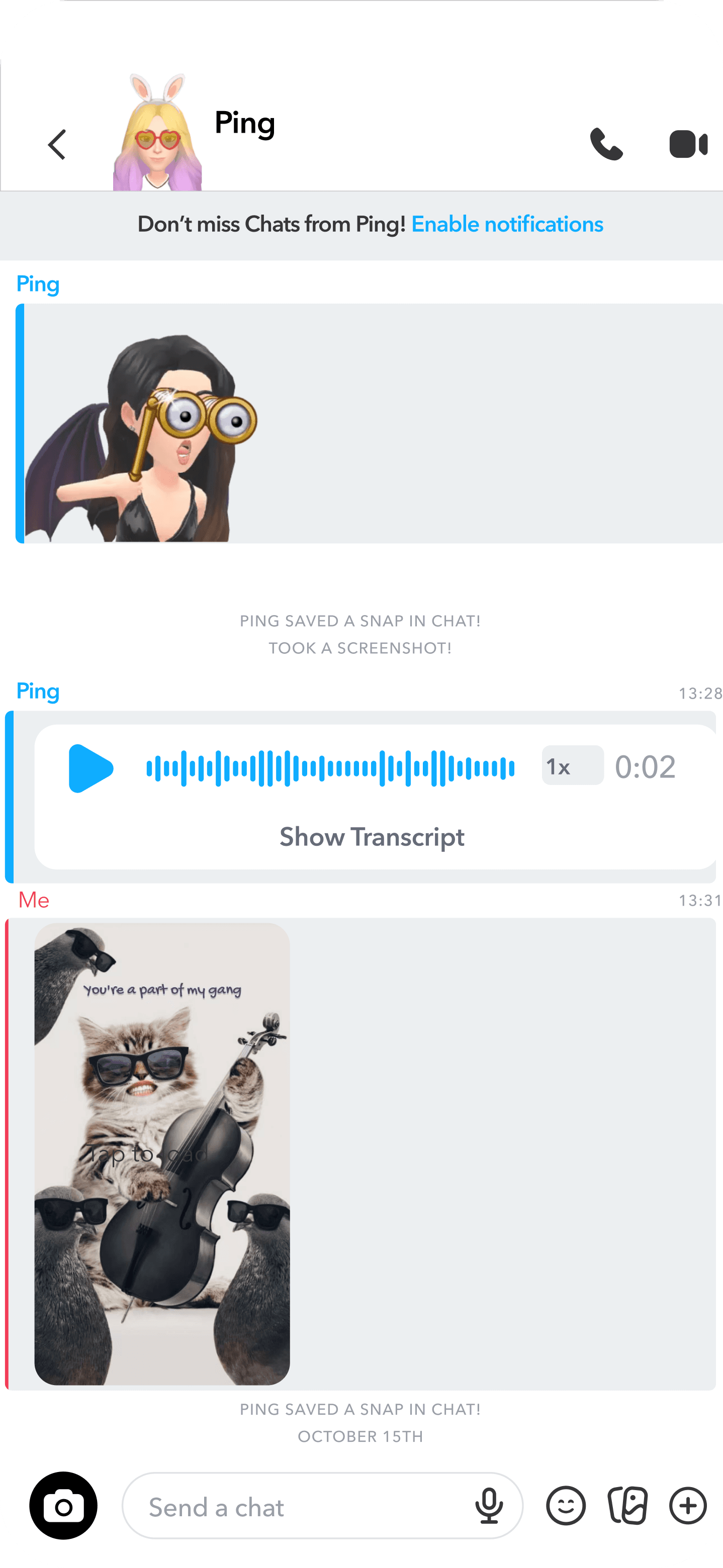
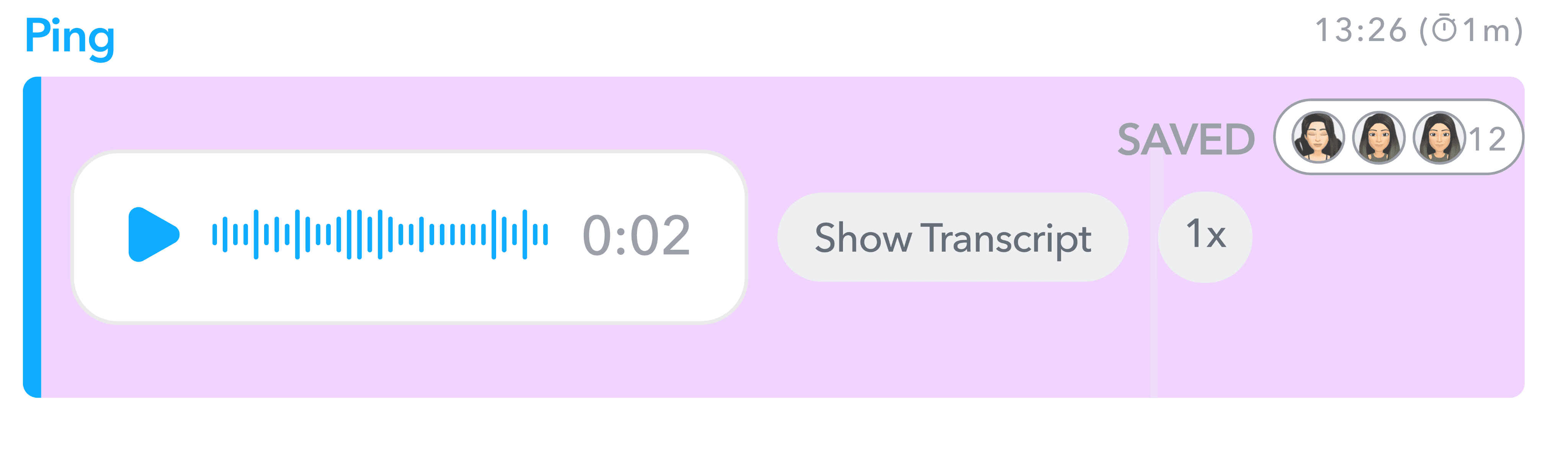
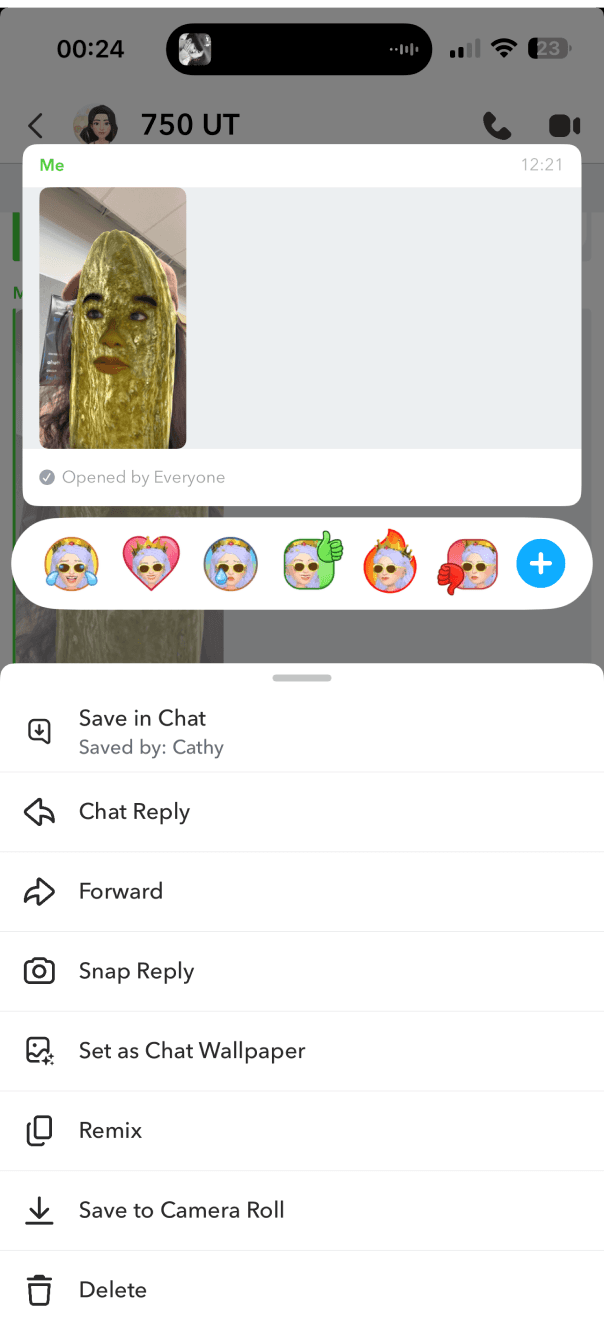
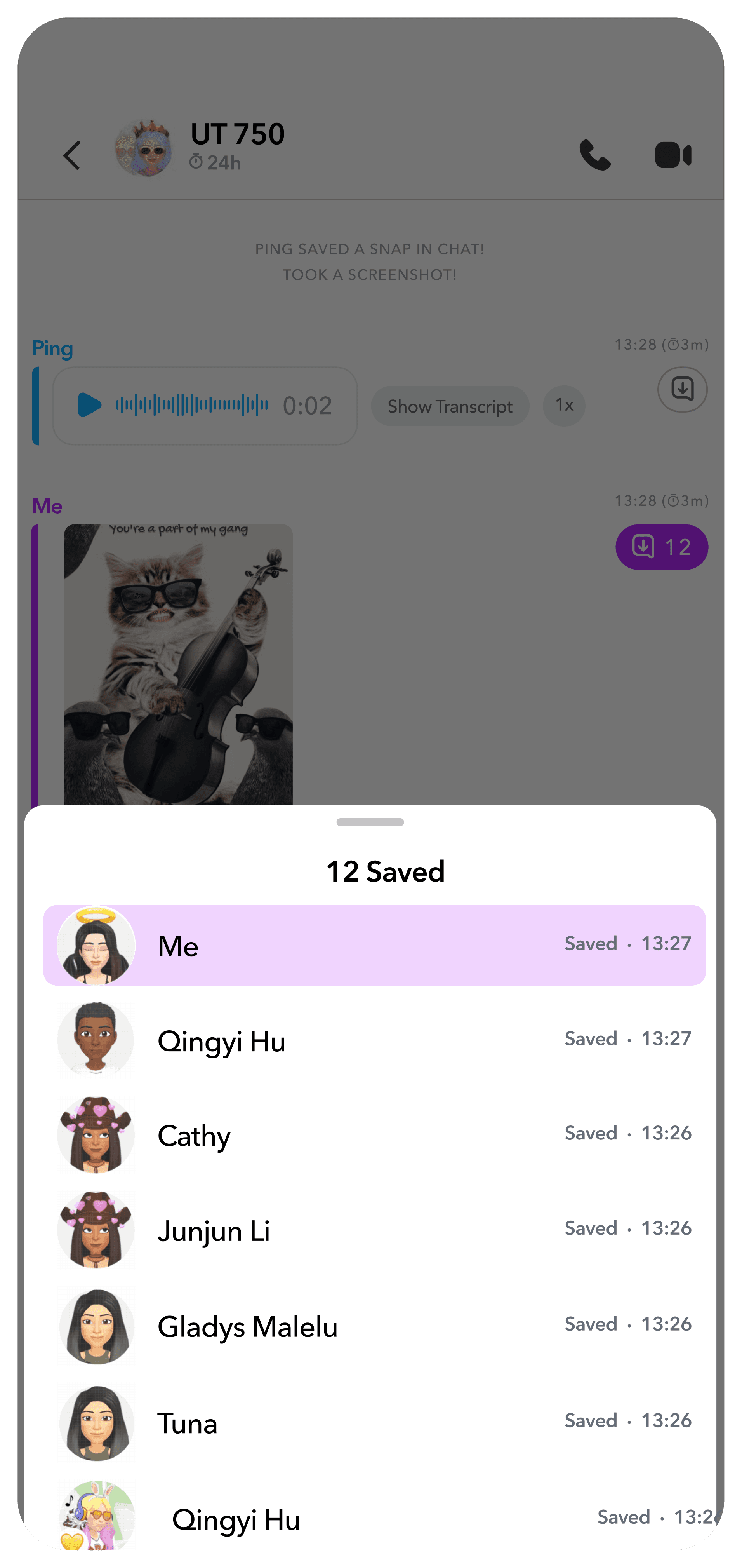
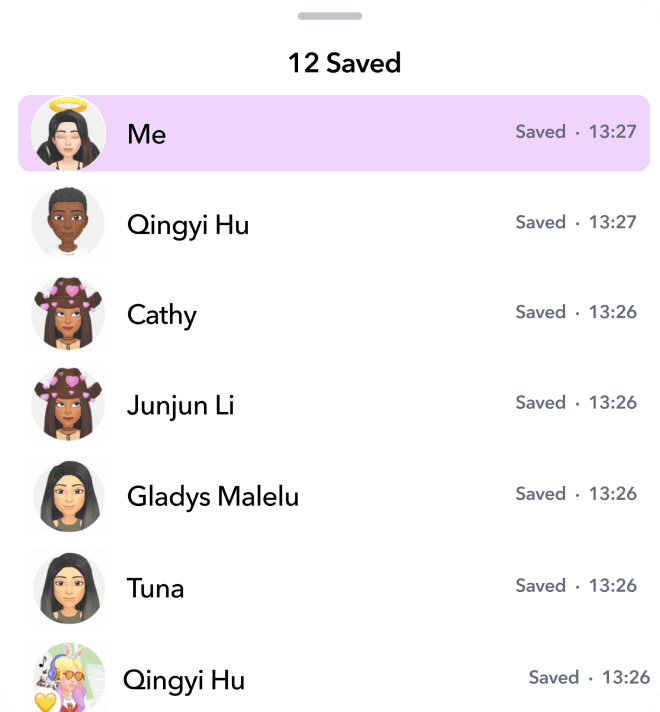
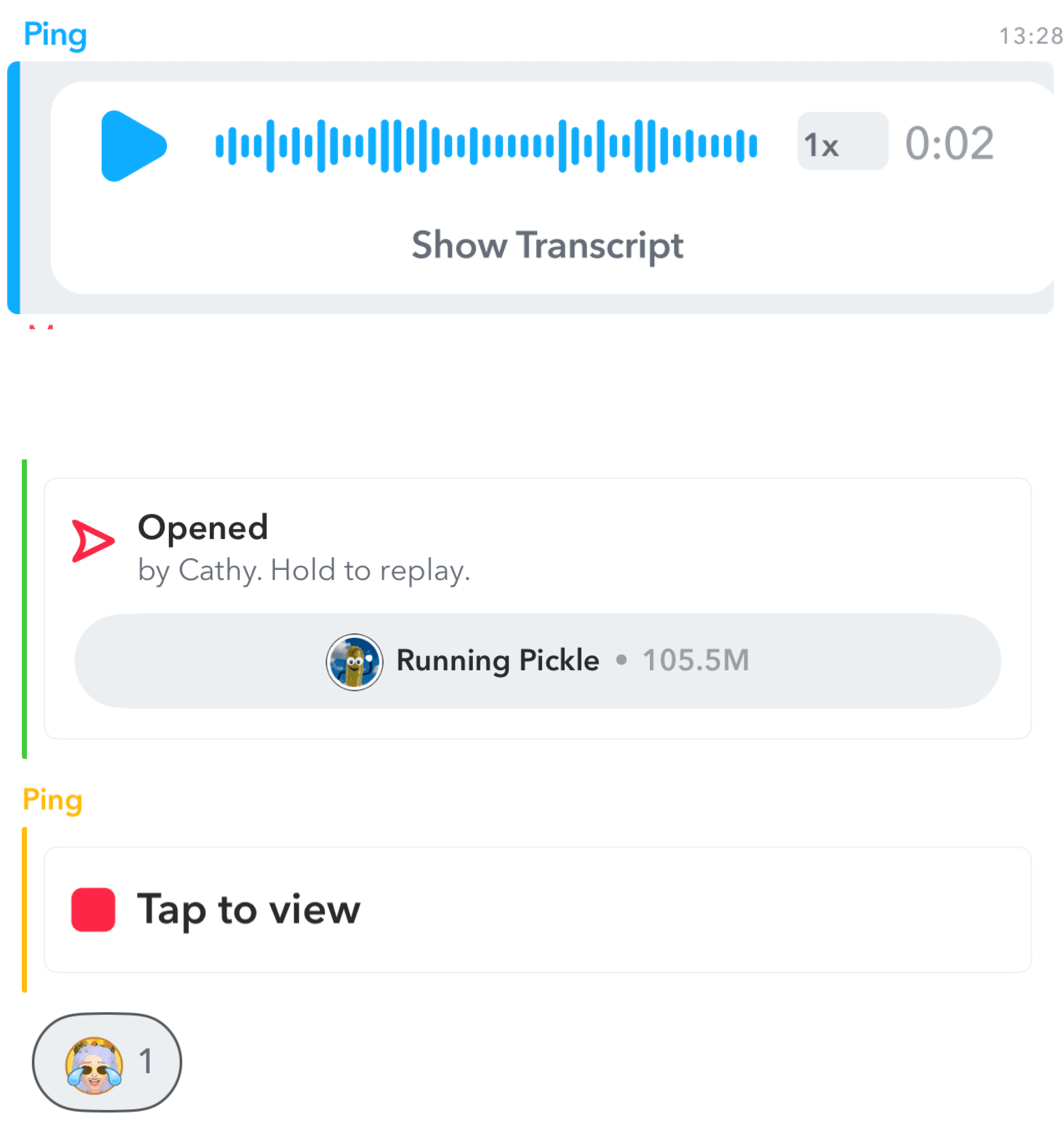
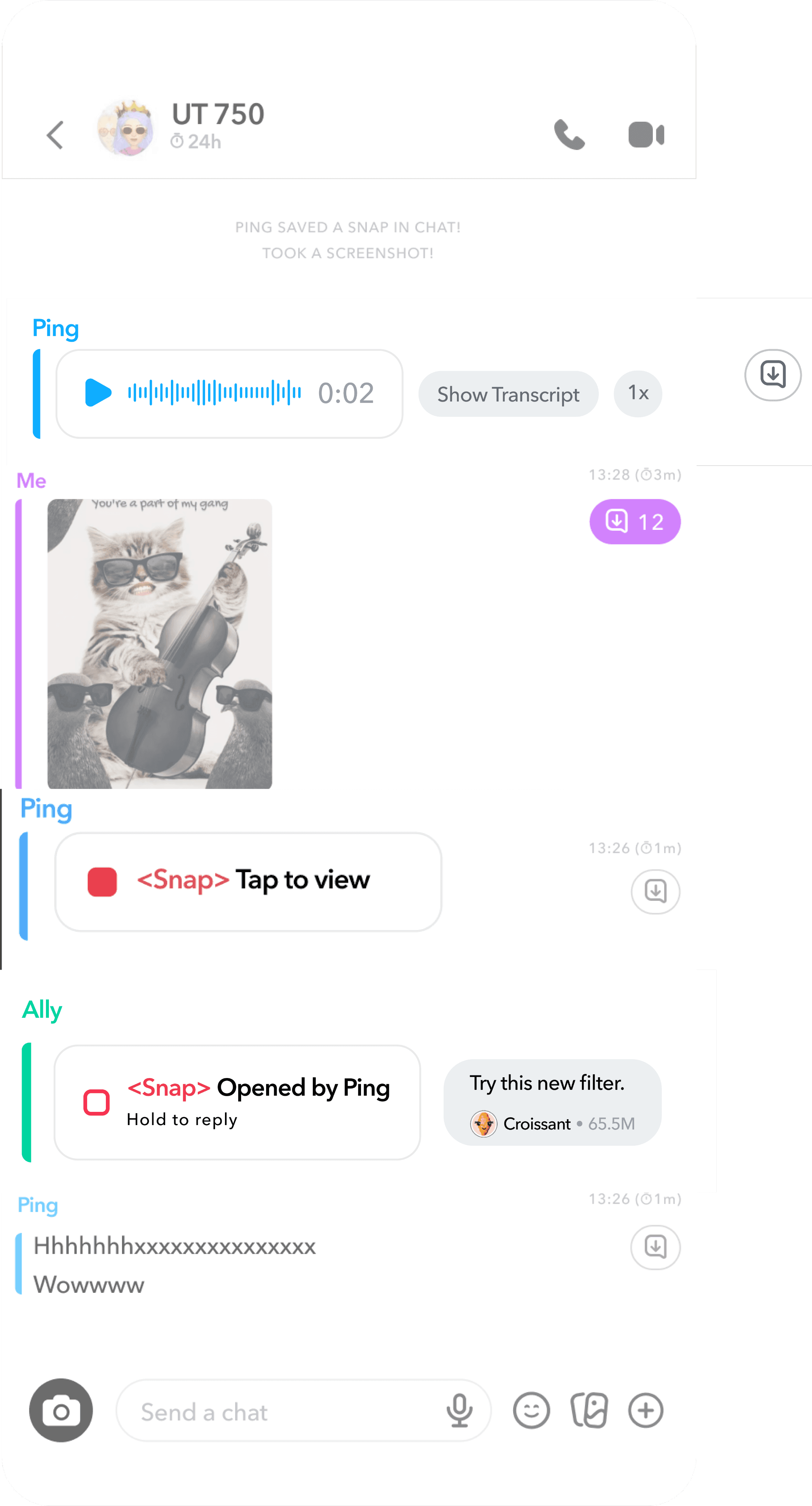
Added a Save Message Button
Clear color-coding makes saved states instantly recognizable, while a separate button placement helps reduce accidental taps.
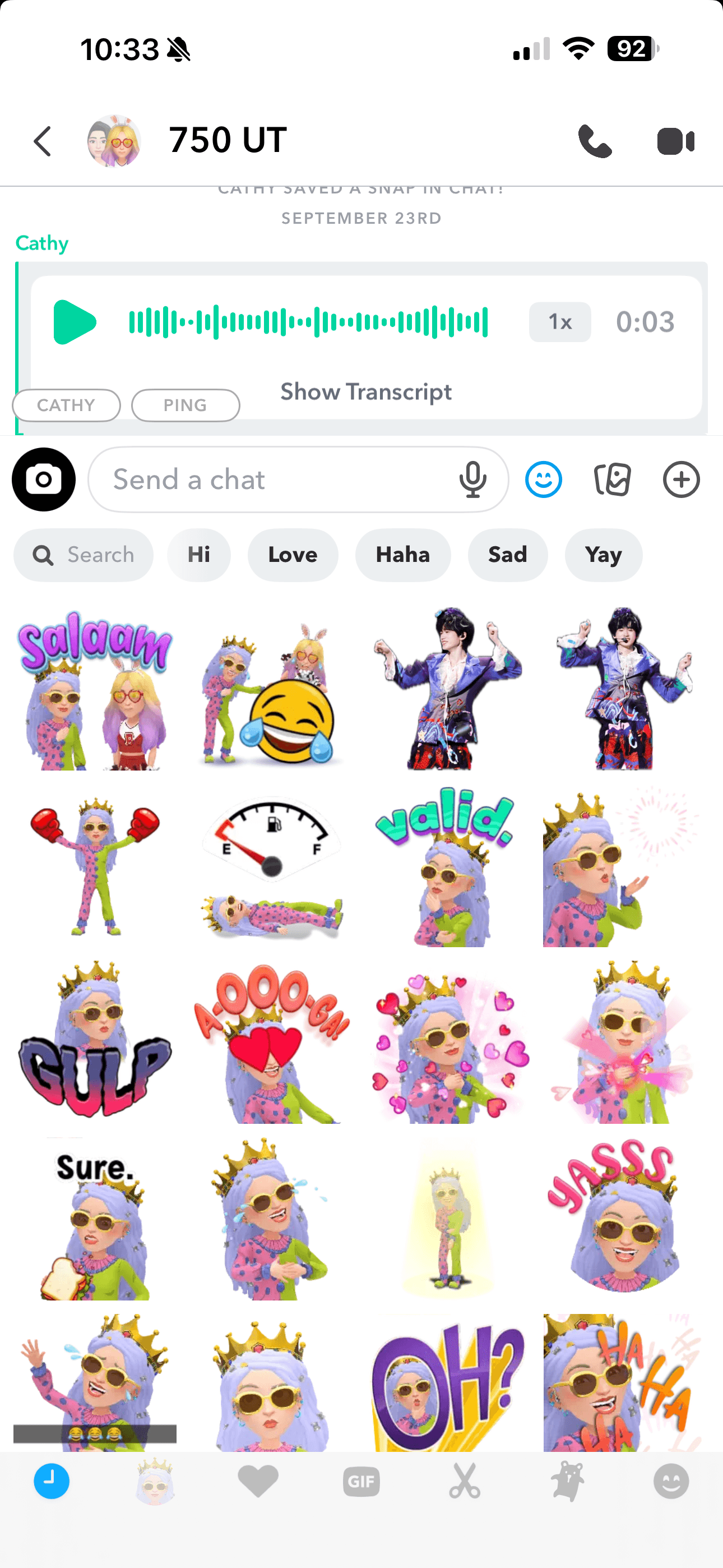
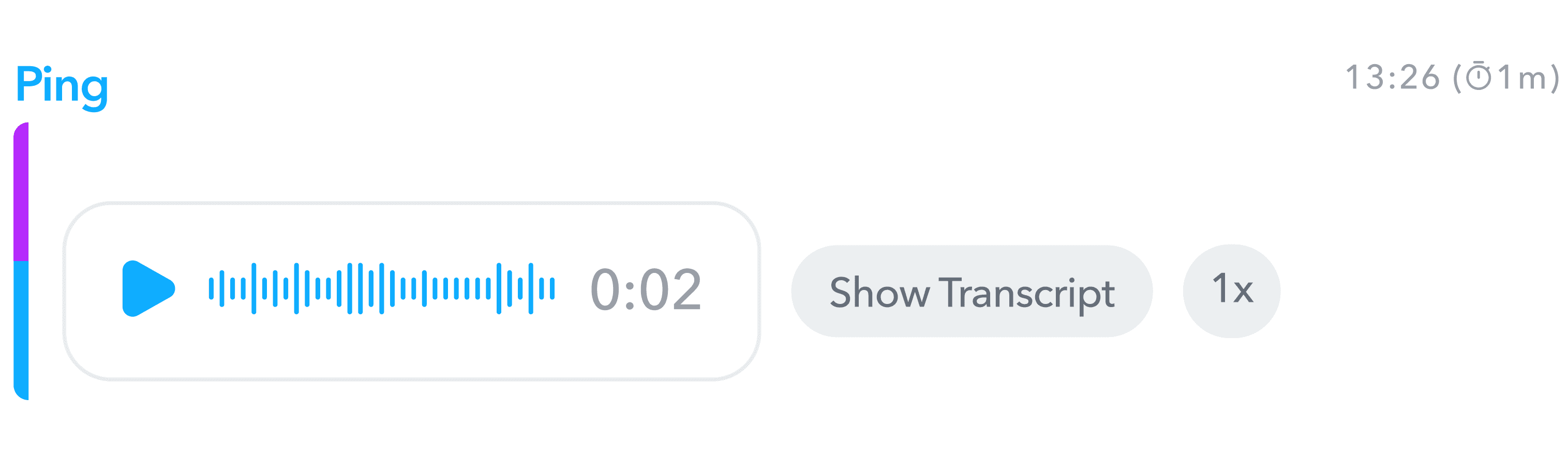
Optimize Voice Message Controls
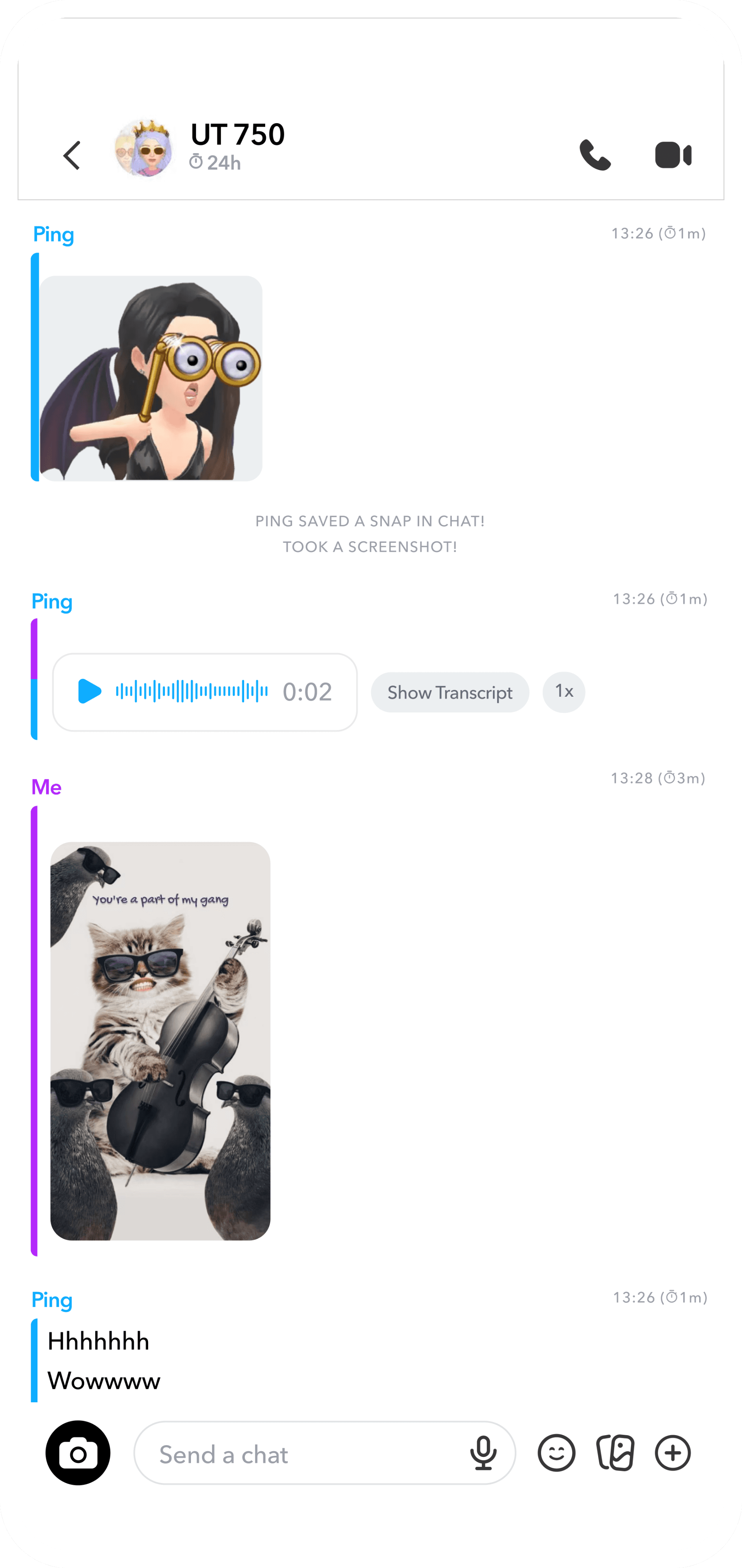
redesign 3:
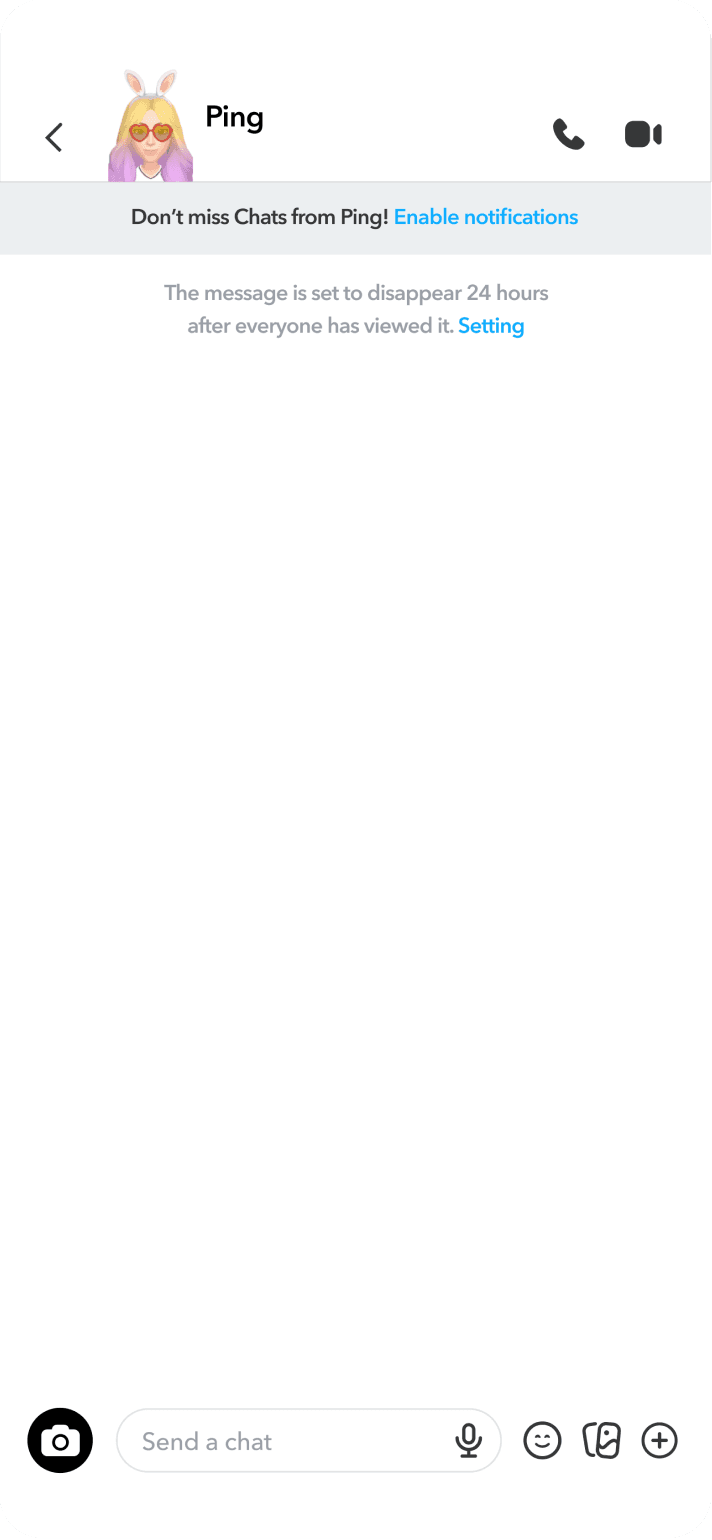
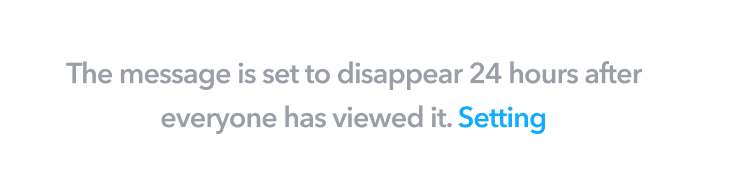
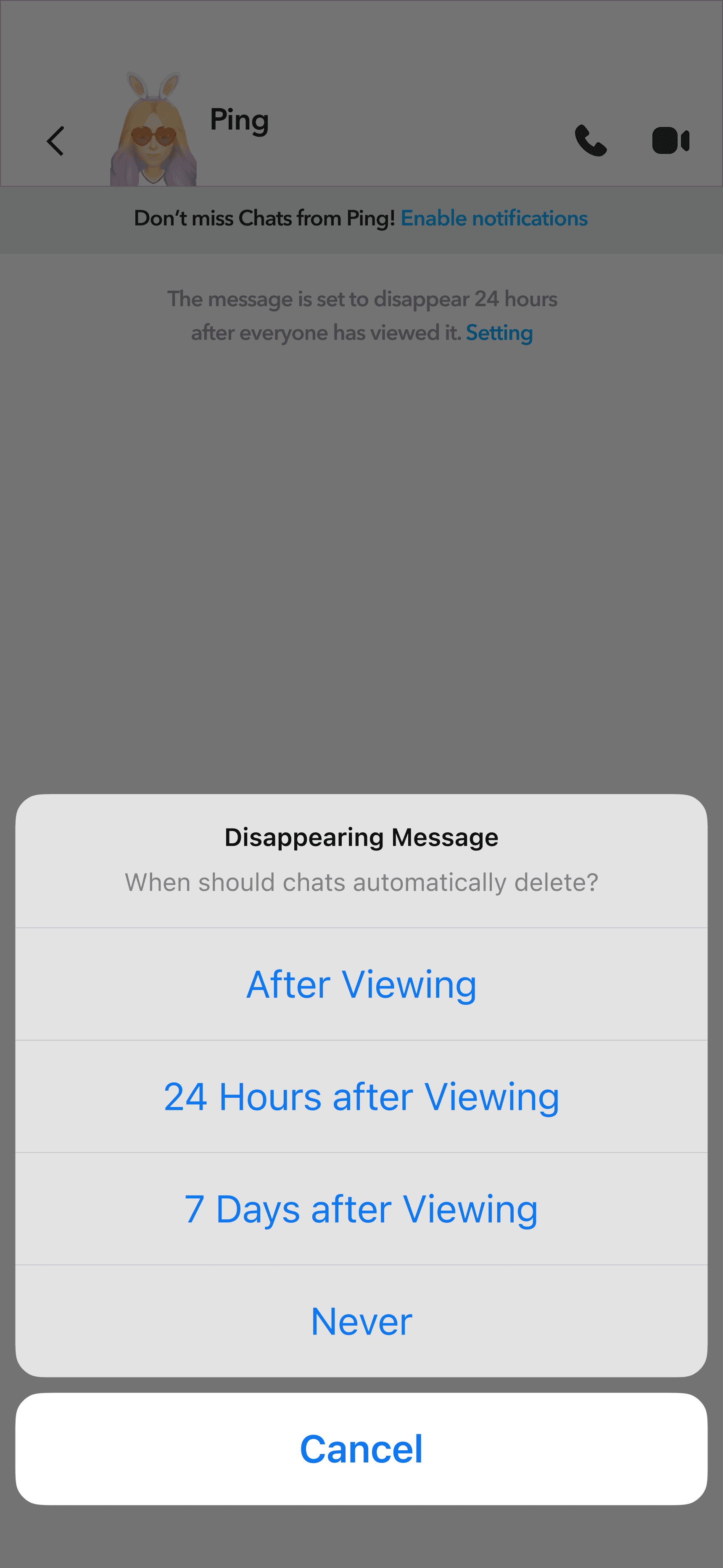
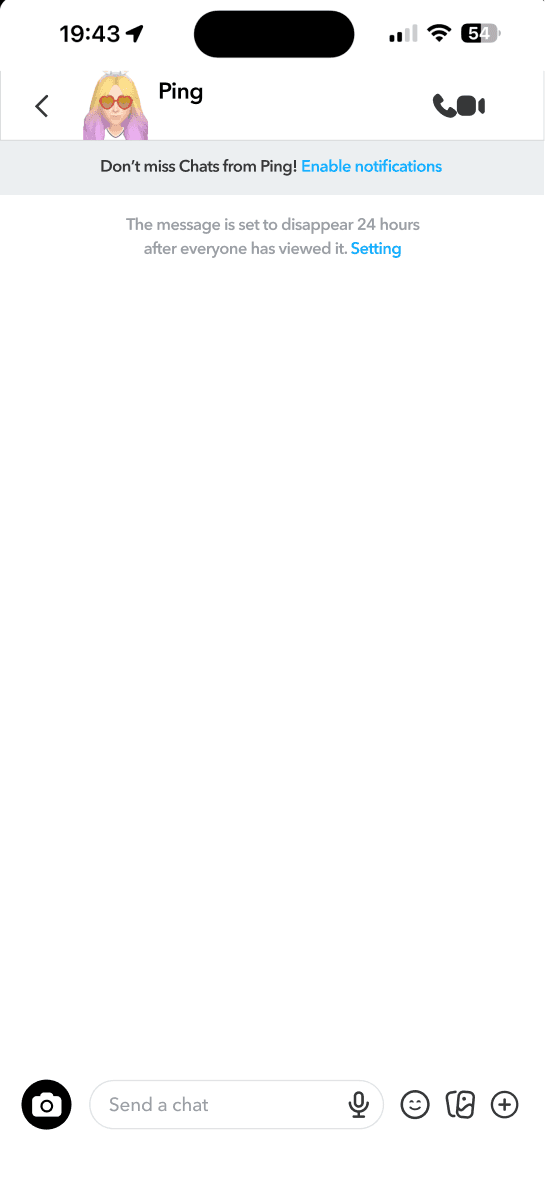
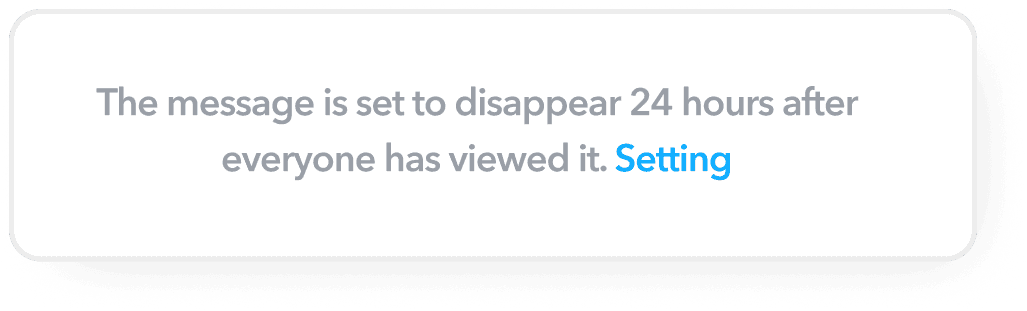
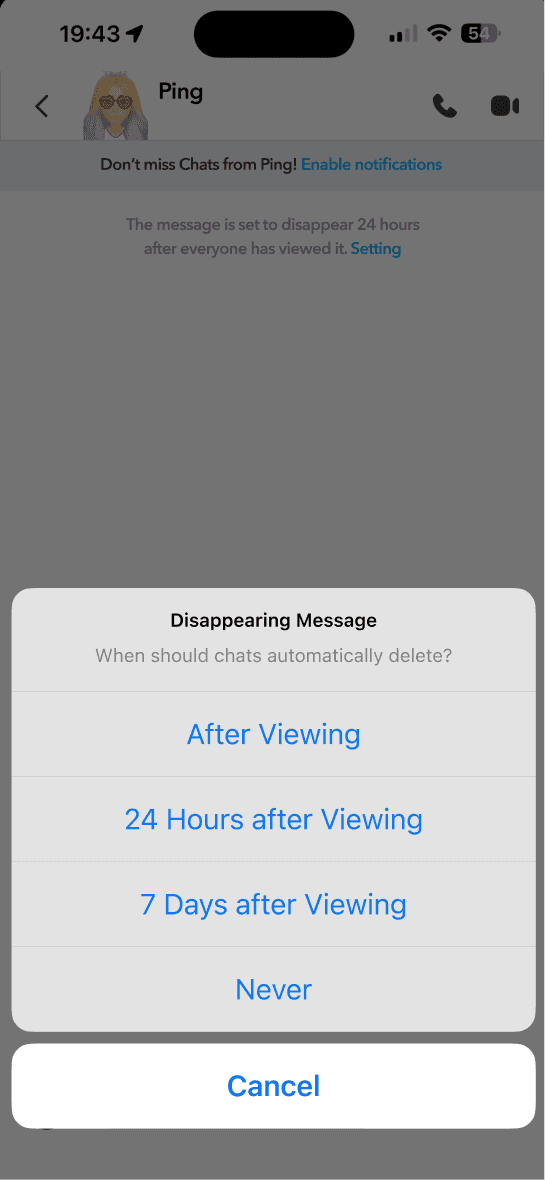
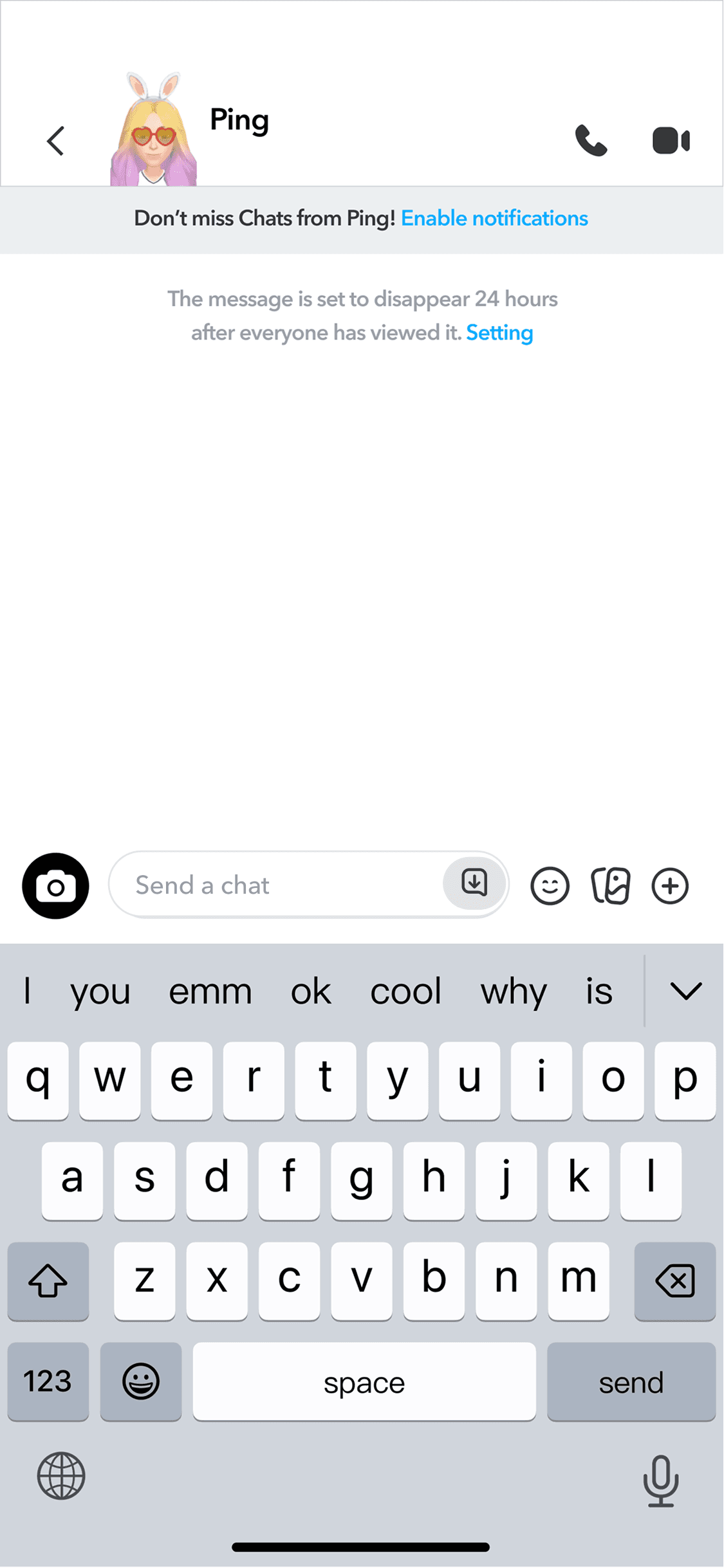
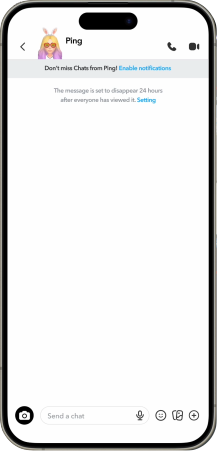
Disappearing message Notification
New user can get a notifiaction of the disappearing message when they first use chat function
User can use“Setting” to change how long they want to keep all messages in chat, such as “After Viewing””24 Hours after Viewing””7 Days after Viewing”, or”Never”
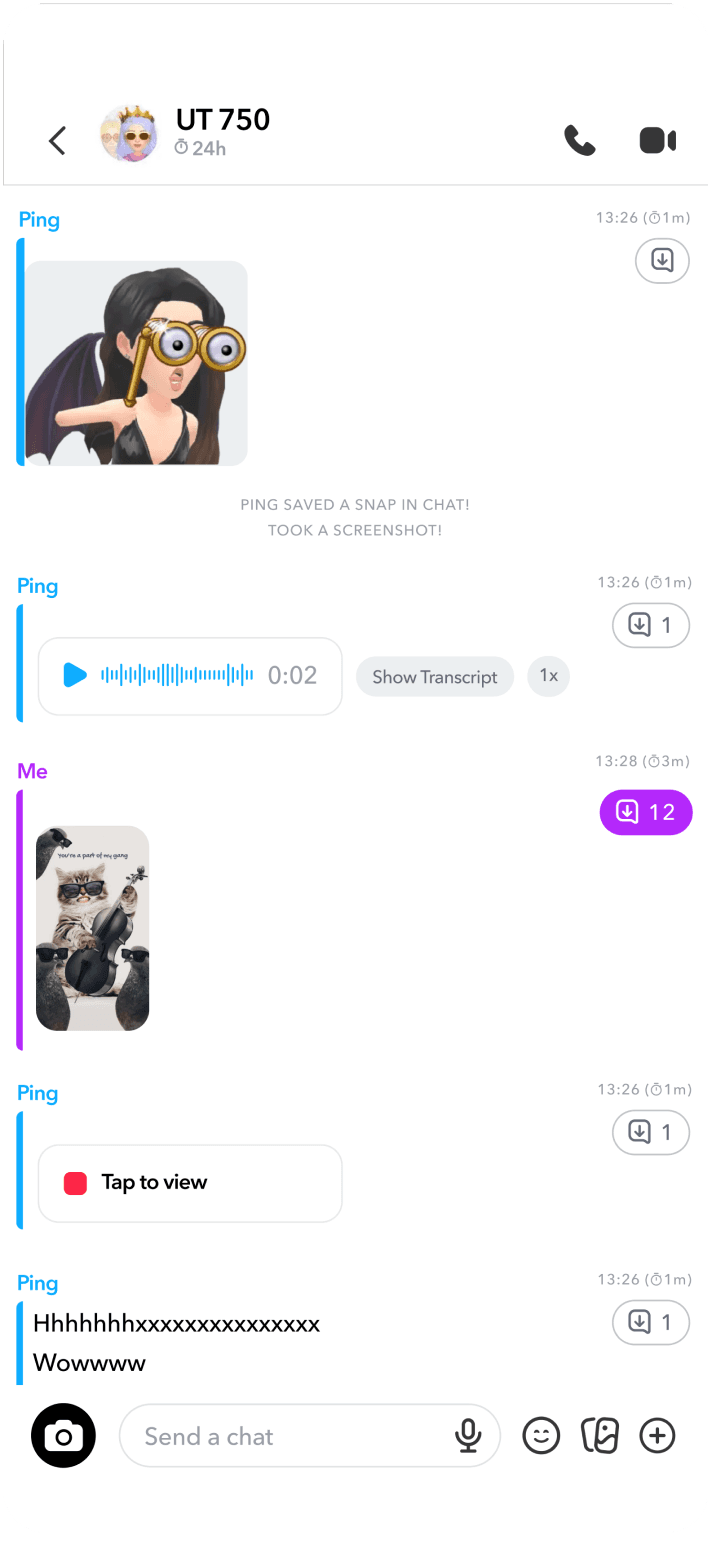
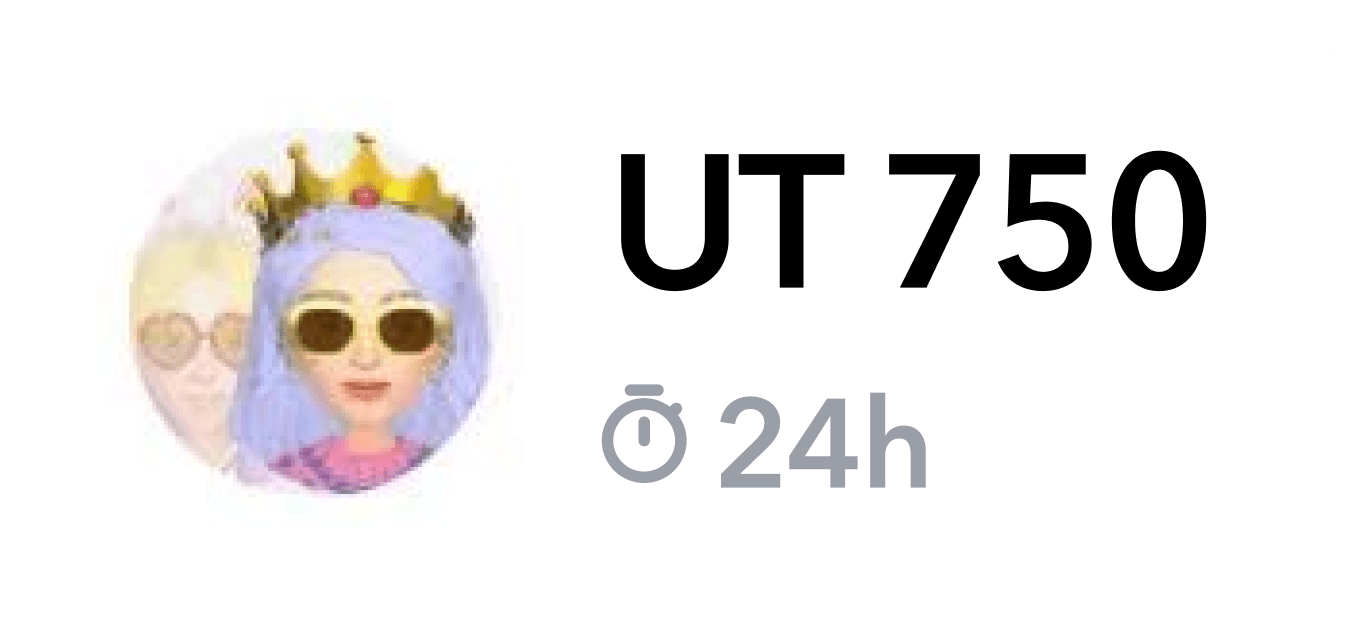
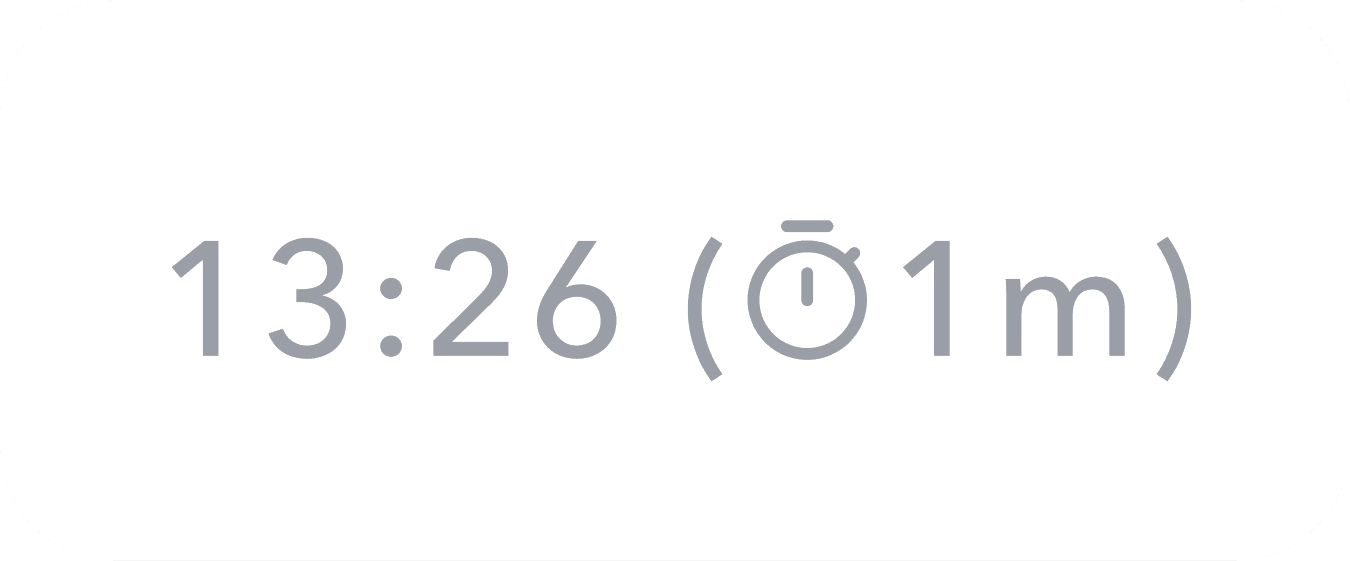
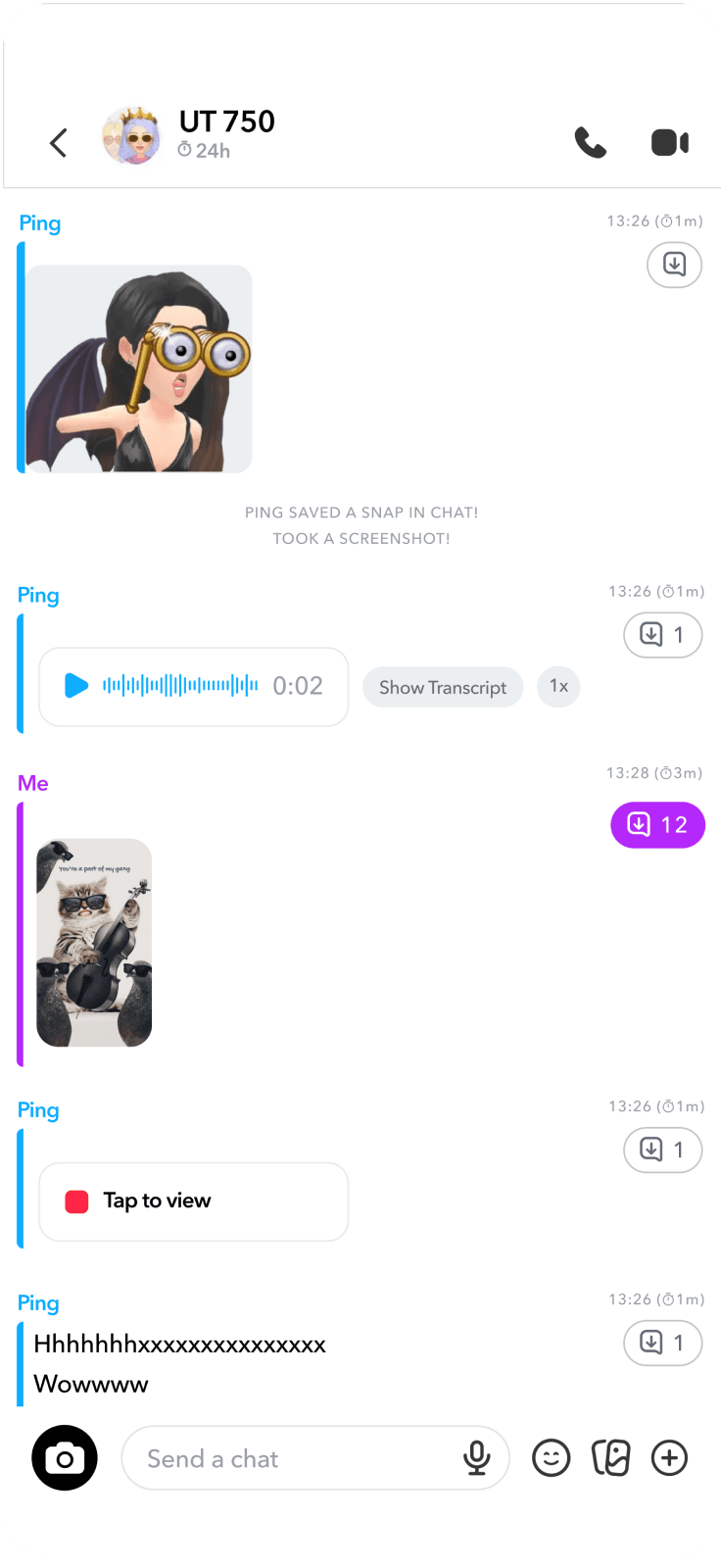
Visible Timer
User can see the “Setting”/”Set time” under their friends name
A “Timer” next to the time of each message

redesign 4:
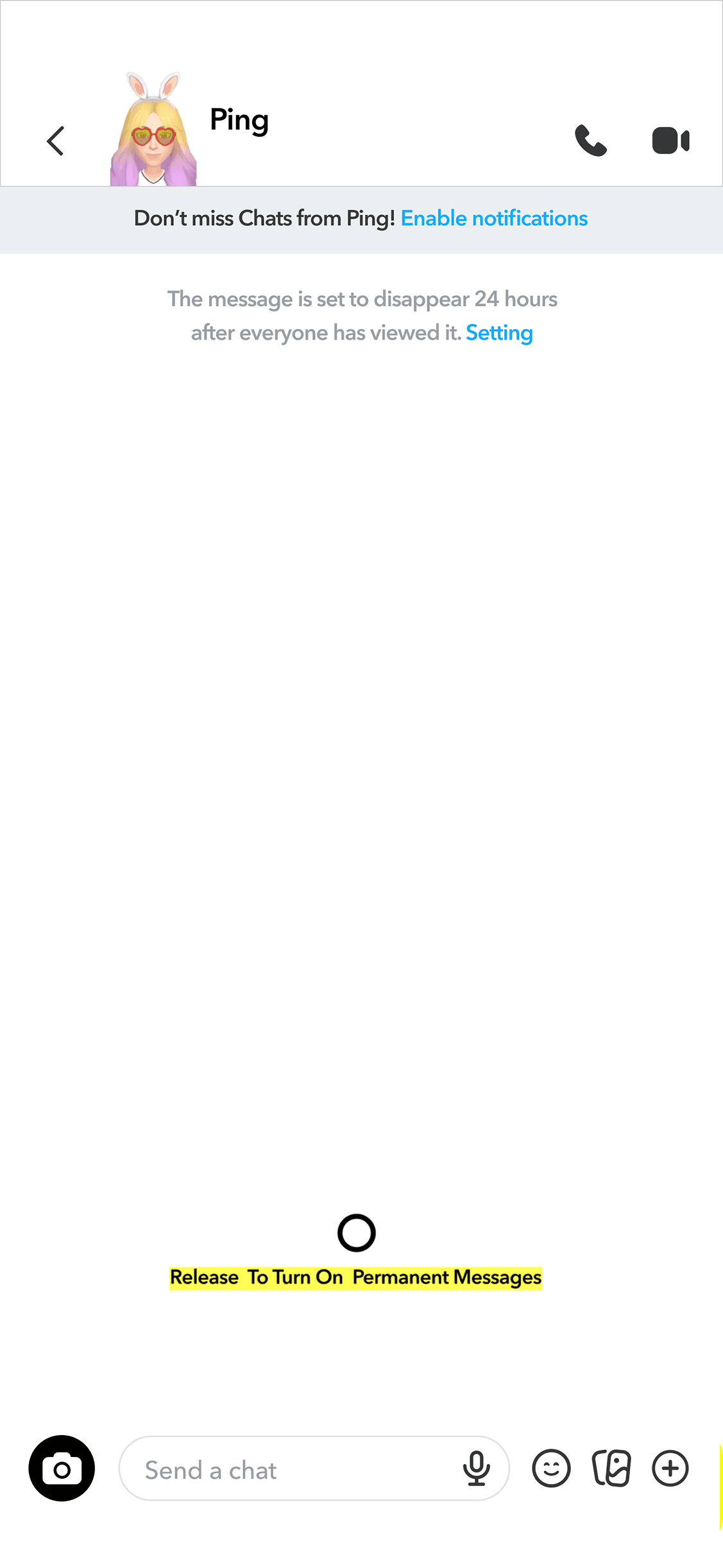
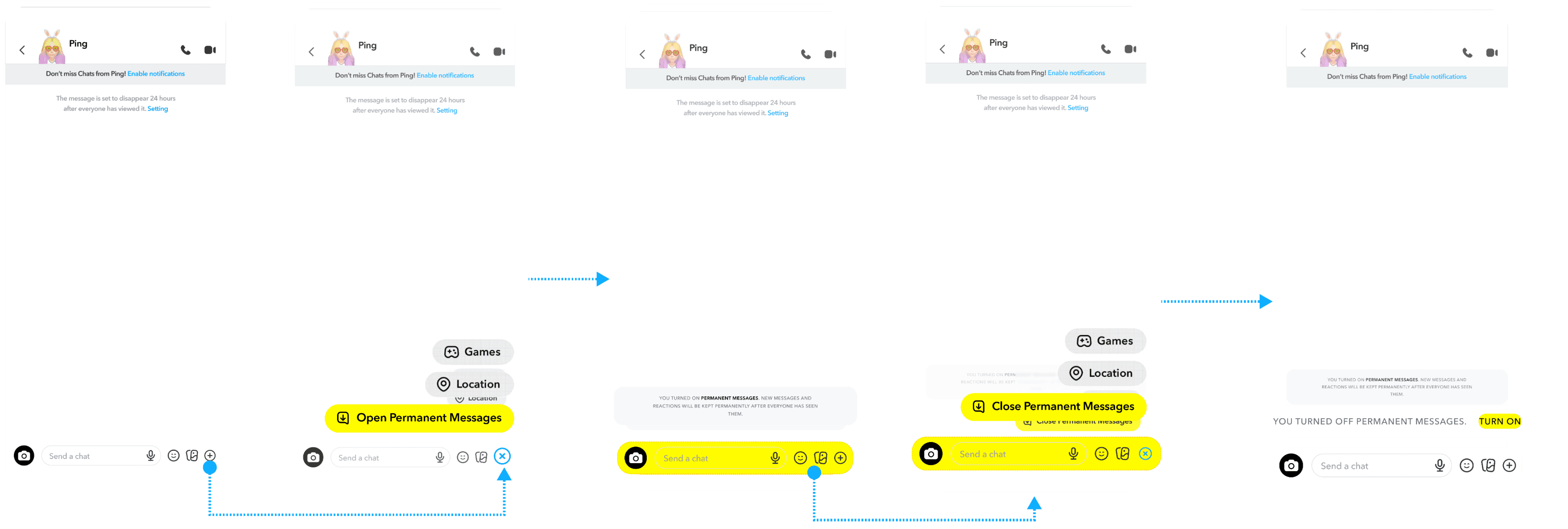
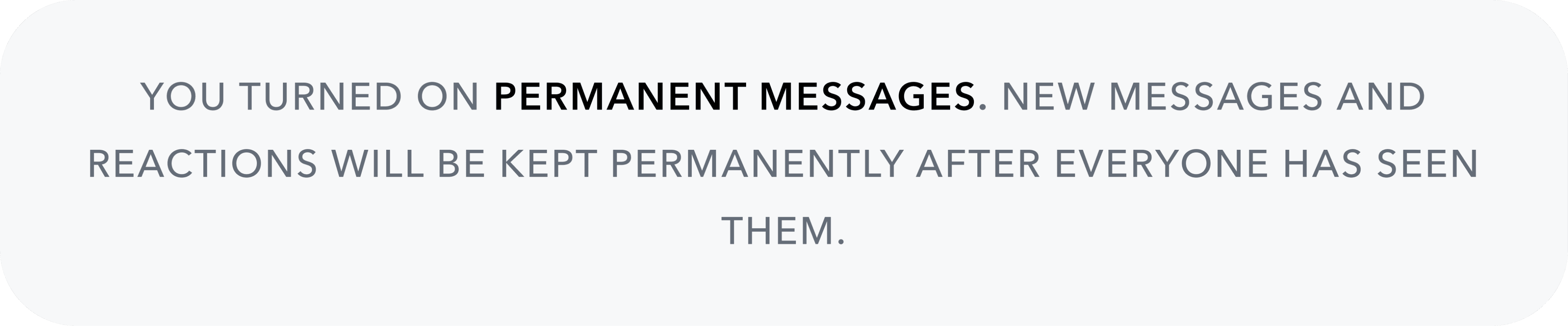
Enable or Disable Permanent Messages
Turn Permanent Messages on or off to keep all messages indefinitely, with both users notified of any changes.
Auto-Saved Messages Indicator
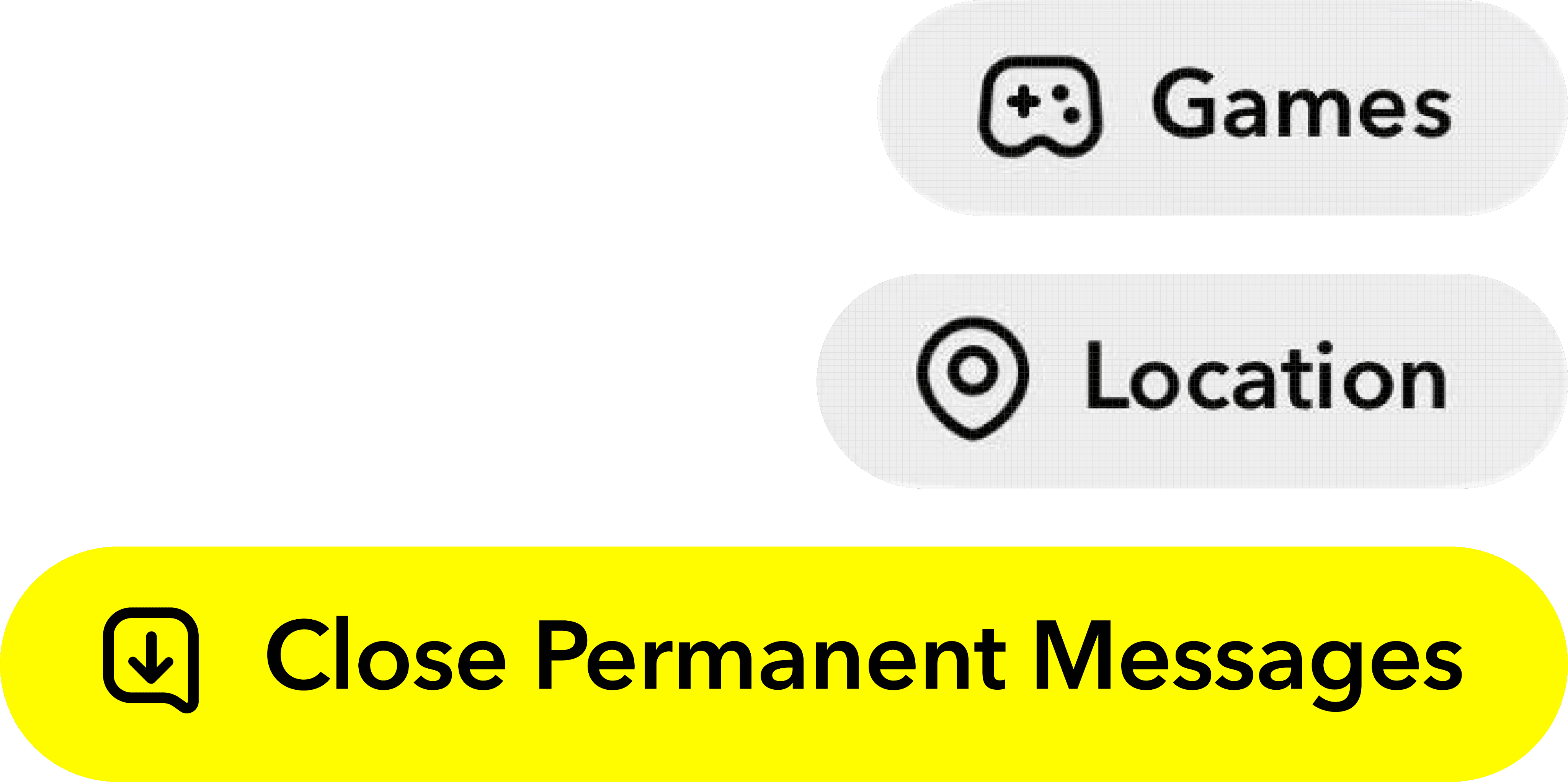
In Permanent Mode, the Save button turns yellow to show messages stay in the chat.
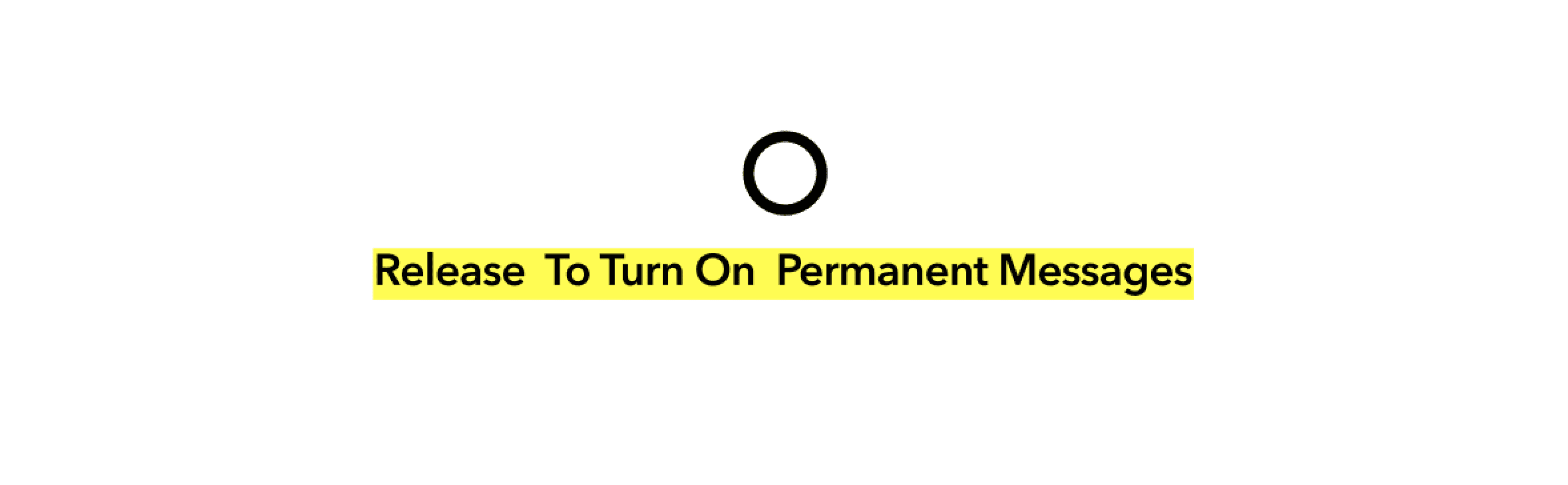
Toggle Permanent Message Mode
Use the “Add” button to switch Permanent Messages on or off.
Swipe Up to Open

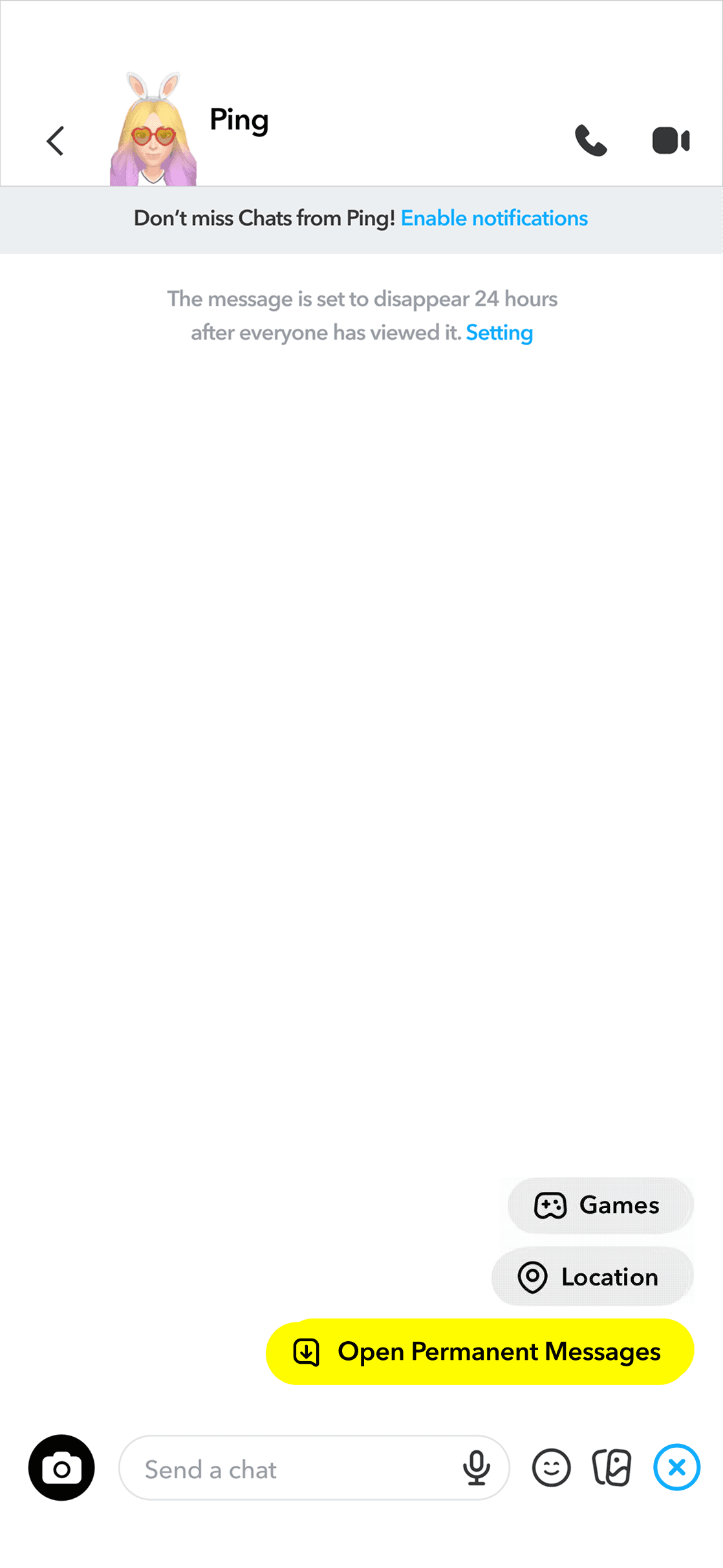
Toolbar Entry to Open
redesign 5:
Introduce Interactive Onboarding with Short Animations or Gesture Tutorials
Quick Search
The tutorial teaches quick, gesture-based search using simple swipes and taps.
Turn Off Anytime
Users can turn off the tutorial anytime for full control while still navigating the chat confidently.
Quick Access:
Swipe Right to Chat
A simple gesture that makes navigation faster and easier to learn.
Message Access Shortcut
Message Reopening
Flexible Tutorial Duration
The tutorial remains active for 5 days, and users can turn it off anytime or keep it on if they need help.
Tutorial Reminder



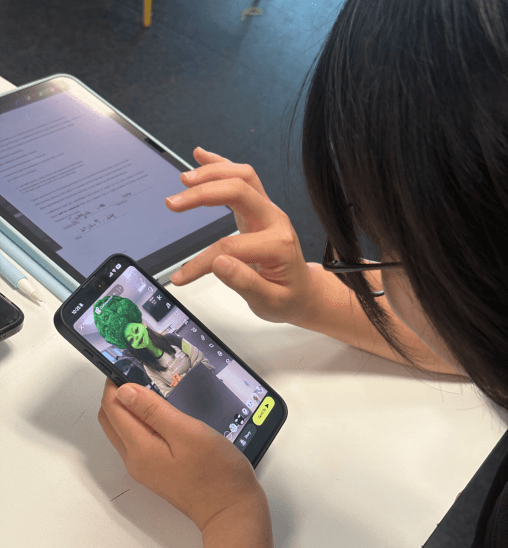
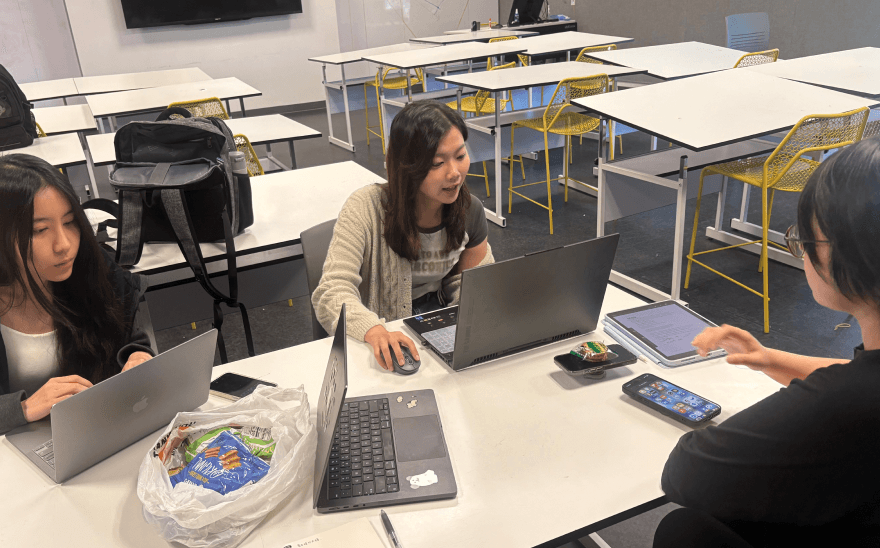
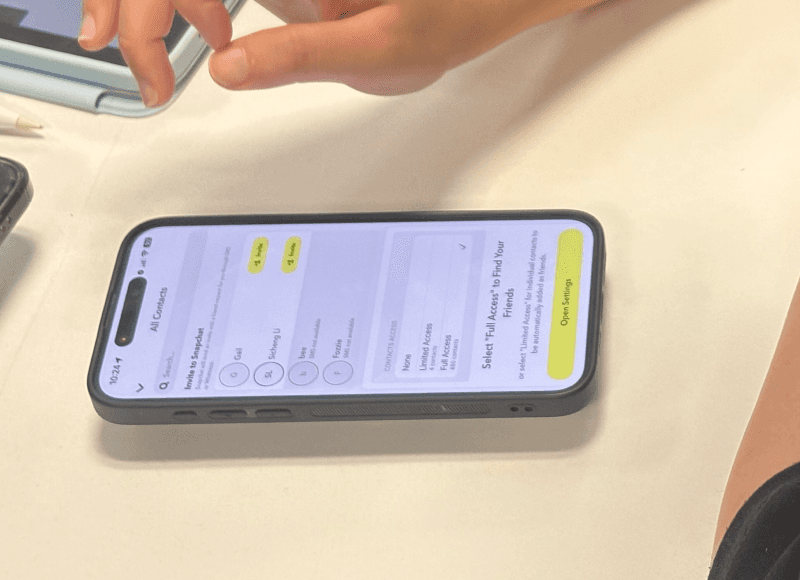
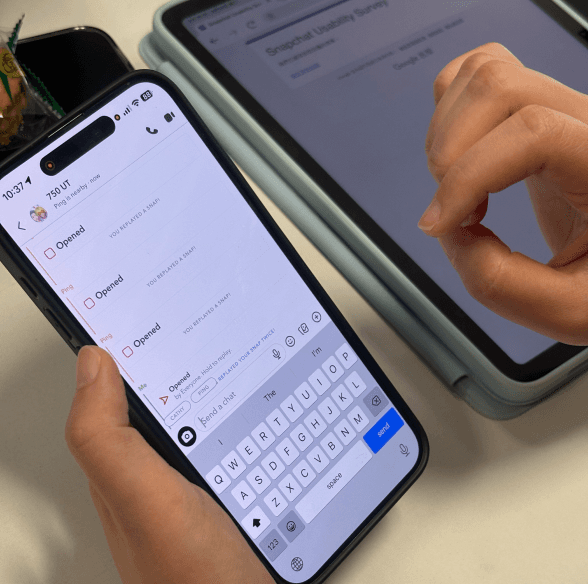


Reflection
1. Measuring Learning, Not Just Performance
Looking back, we should have included icon recognition in both the pre- and post-test. Without it, we couldn’t clearly capture users’ initial understanding or see how much they learned after completing the tasks. This was a missed opportunity in our testing setup and a clear takeaway for improving future studies.
2. Tiered Tasks by User Expertise
In retrospect, our tasks were too basic for experienced Snapchat users, who finished them almost instantly. This meant we focused more on if users could complete tasks, rather than how they did them, limiting deeper insights. Introducing a “Same Tasks, Tiered Difficulty” approach earlier would have helped us capture a wider range of behaviors and better understand both beginners’ discoverability issues and experienced users’ efficiency needs.
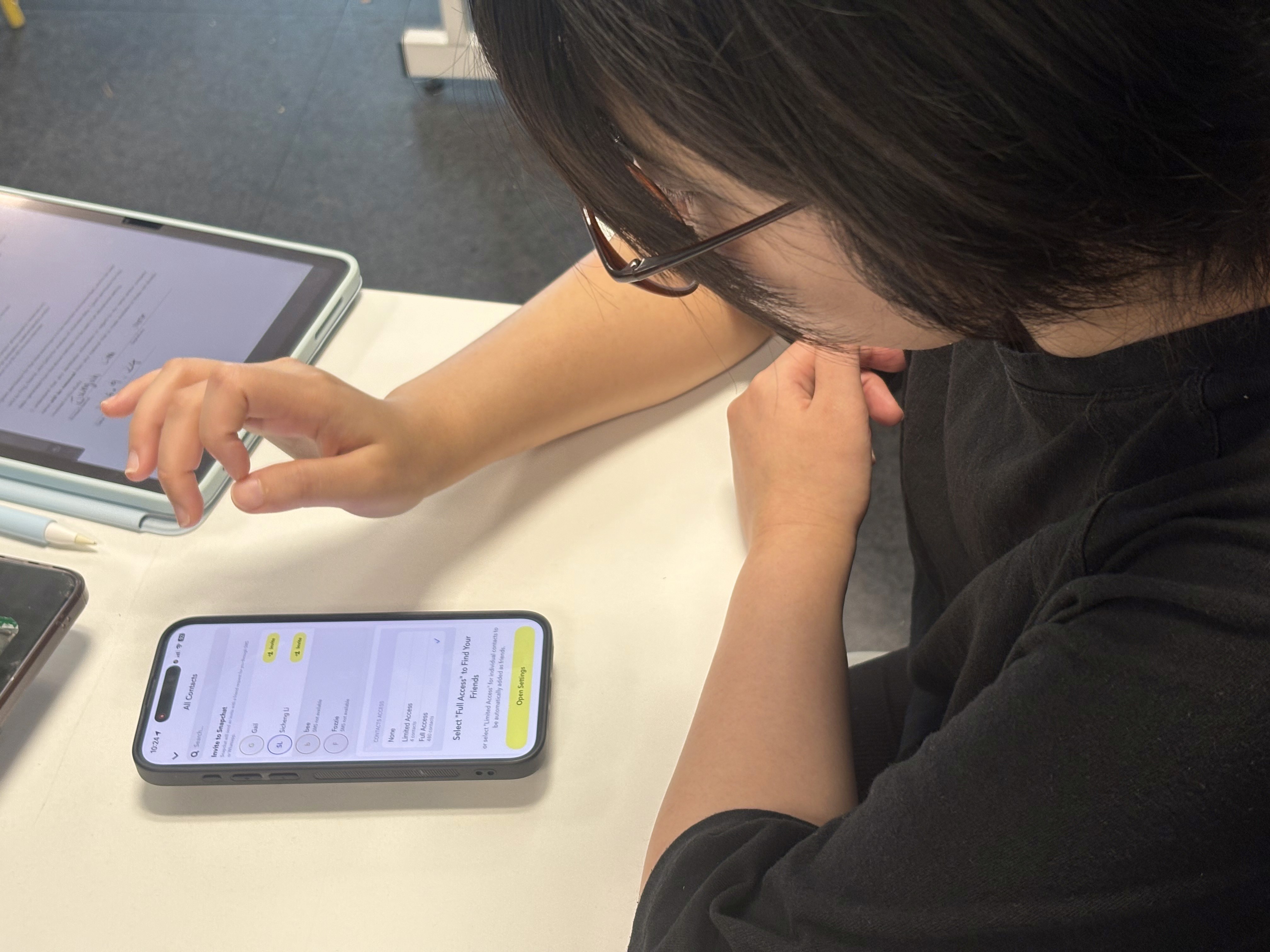
3. Testing in Context, Not in Isolation
Adding realistic scenarios to our usability tasks helped surface deeper insights into how users handle multi-step actions, priorities, and real-world feature use. However, our post-test quiz focused too much on isolated icon recognition, measuring memorization rather than understanding. In hindsight, embedding the same real-life context into quiz questions would have better captured how users interpret system cues and decide what to do next.
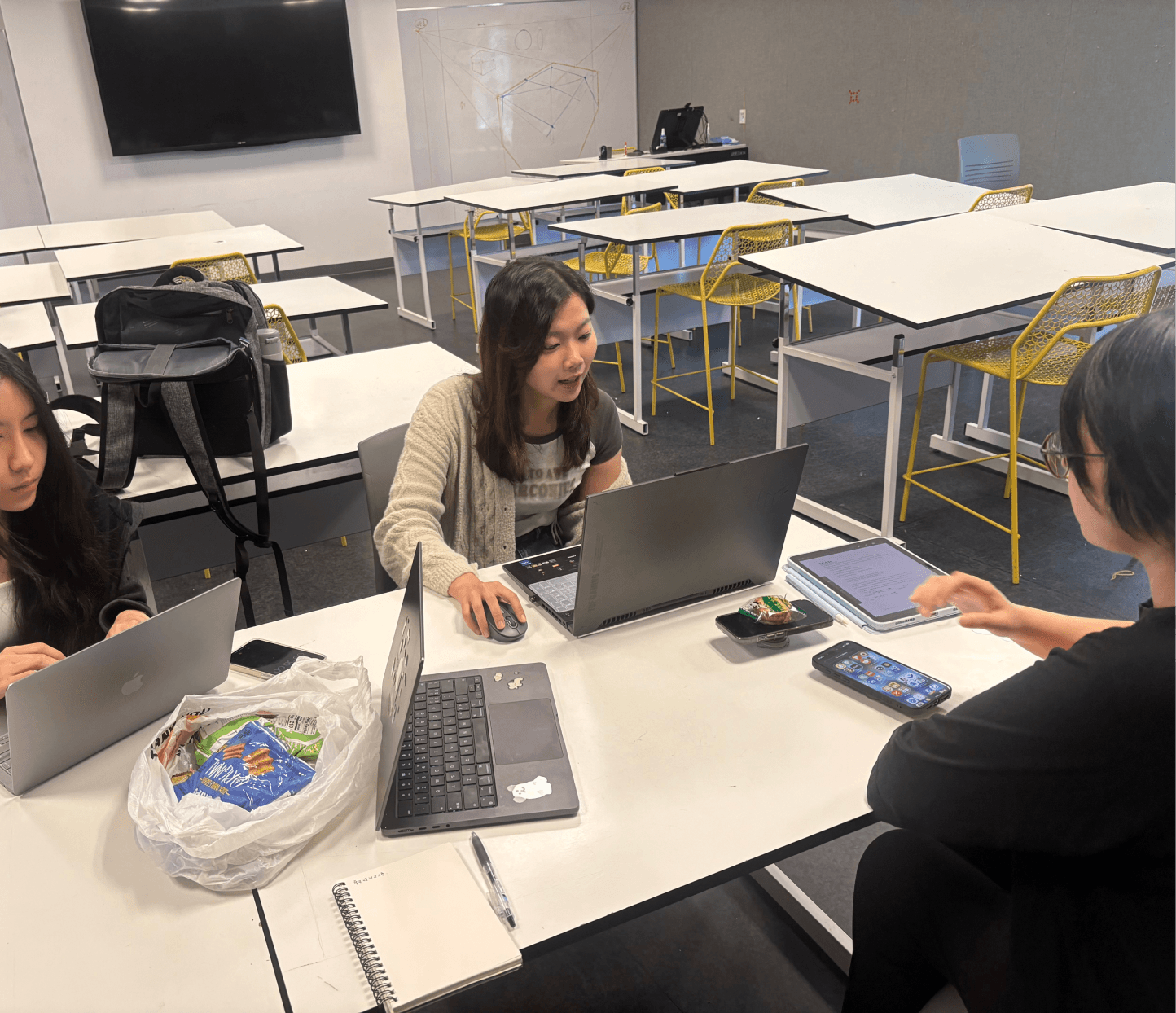
4. Pilot Testing Prevents Bigger Problems
Running a pilot test helped us catch unclear instructions, technical issues, and timing problems before full testing. In addition, it's better to highlight the issue prediction in the script so the team can check whether the process is smooth and complete during the pilot testing.
© 2025 by Ping